
Desk height and feet belong in the same check. If your heels hang, you will slide forward and shrug before the first meeting ends.
A high desk can look tidy in a photo. It still leaves many people perched. HSE display-screen advice is plain. Rest your feet on the floor or on a stable rest. Keep the keyboard just below elbow height. You cannot treat desk height and feet as two hobbies. One wrong choice wrecks the other.
Why desk height and feet belong in one check
HSE's good-posture page puts the feet on the floor or on a footrest. It also puts the keyboard just below the elbows. Those lines sit next to each other for a reason. Raise the chair to spare your shoulders, and your feet may leave the floor. Drop the chair to plant your heels, and you may reach up to the keys.
US pages from NIOSH and MedlinePlus say the same in other words. Fit the desk to you. Keep tools close. Avoid a long hold in an awkward shape. That is comfort and strain talk, not a medically perfect pose.
Dangling feet are not a willpower problem. Your legs get heavy. You tuck them back. You sit on the front edge. The backrest then does nothing. A small pad behind you cannot rescue a seat you have already left.
People differ. Long shins meet a low desk with ease. Short shins meet the same desk with swinging heels. Shoes change the result. A thick sole is not the same as a flat trainer. Test the fit in the shoes you actually wear to work.
Pain after a long sit has many causes. A high desk is a common one. So is a chair that will not drop. So is a day with no walking. Fix the obvious mismatch first. Then judge whether you still need a desk review or clinical care.
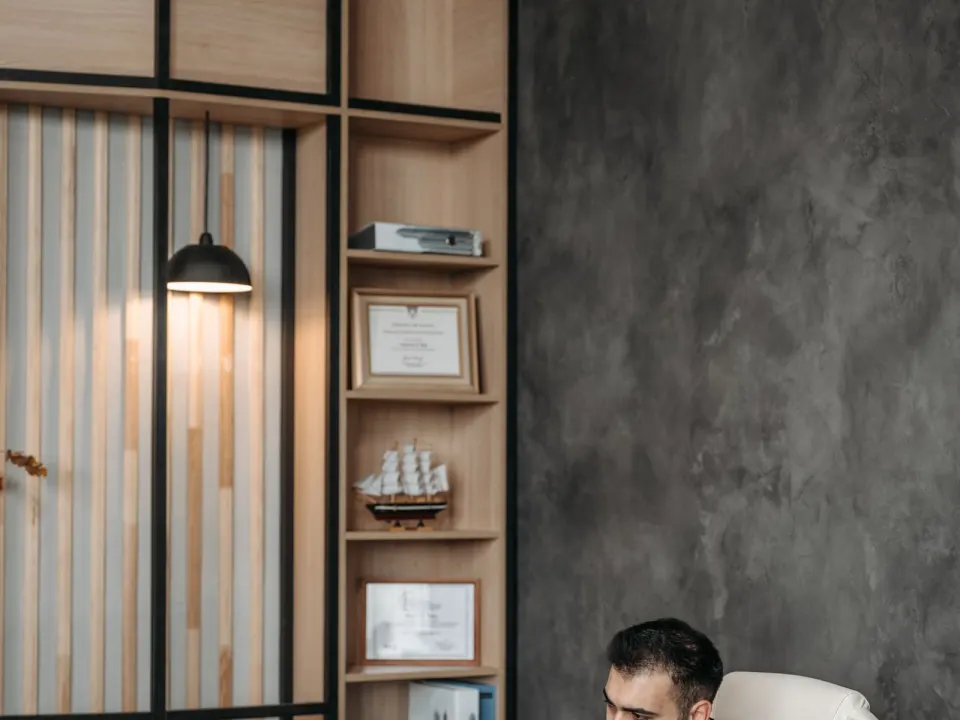
Set the chair before you hunt for a footrest
Sit as you type, not as you pose. Open a real document. Pull the chair in. Let your upper arms hang. Then raise or lower the seat until the keys meet your hands without a shrug.
HSE wants a small gap behind the knees, about two to three centimetres. If the seat is too deep, you will feel a hard edge under the thighs. That edge is worse when the feet do not share the load. A firm cushion behind you can shorten a deep seat. It is not a substitute for supported feet.
Next, look down. Can both feet rest flat? If yes, you may not need a rest. If the heels hang, do not live with it. Bring the floor up. A stable rest, a firm box, or a low wide step can work. It must not slide when you shift.
Then check the desk. If you now reach up, the worktop is too high for this chair. Lower the desk if you can. If you cannot, keep the higher chair and keep the rest under your feet. Do not drop the chair again just to look "normal".
| Check | Starting point | Fail sign |
|---|---|---|
| Elbows | Keys just below elbow height, shoulders down | You shrug to type, or you drop your wrists to reach a low board |
| Feet | Flat on the floor or on a stable rest | Heels hang, or you hook your feet on the chair base all morning |
| Seat edge | Small gap behind the knees, about 2–3 cm | A hard line under the thighs, or you perch on the front edge |
| Backrest | You can sit all the way back and still reach the keys | You slide forward to get close to the desk |
| Rest itself | Wide, level, and still when you move | It wobbles, rolls, or forces your knees up into your desk |
Armrests should not block you from sitting close. Lower them or swing them away if they catch the desk. You need to sit near the keyboard. A perfect footrest is useless if you hover six inches out to reach the keys. Our desk ergonomics checklist covers that order in more detail.
What a footrest should actually do
A footrest is a floor. It is not a stretch machine. You want the whole sole supported, not a bar that you point your toes at. A bar invites a pointed foot and a tight calf for hours. A low, wide platform is kinder.
Angle can be slight. A steep ramp can shove your knees up. If your thighs then jam the desk, the rest is too high. Drop it. You should still have that small gap behind the knees.
Weight should rest through both feet. Do not park one foot on a bin and leave the other hanging. That twist travels up to the pelvis. Switch if you like a change. Change is not the same as a lopsided all-day habit.
HSE mentions extra cushioning for the back when the chair does not fit. The same idea applies below. Improvise with what is stable. A closed sturdy box beats a stack of paper that compresses by noon. Tape a slick box to the floor if it slides. Throw it out if it rocks.
Bought rests are optional. Trial one if your employer offers it. Keep the receipt if you buy your own. Comfort on day one can fade by day five. If the rest forces a sharp knee bend, it is the wrong height, not a sign you must "get used to it".
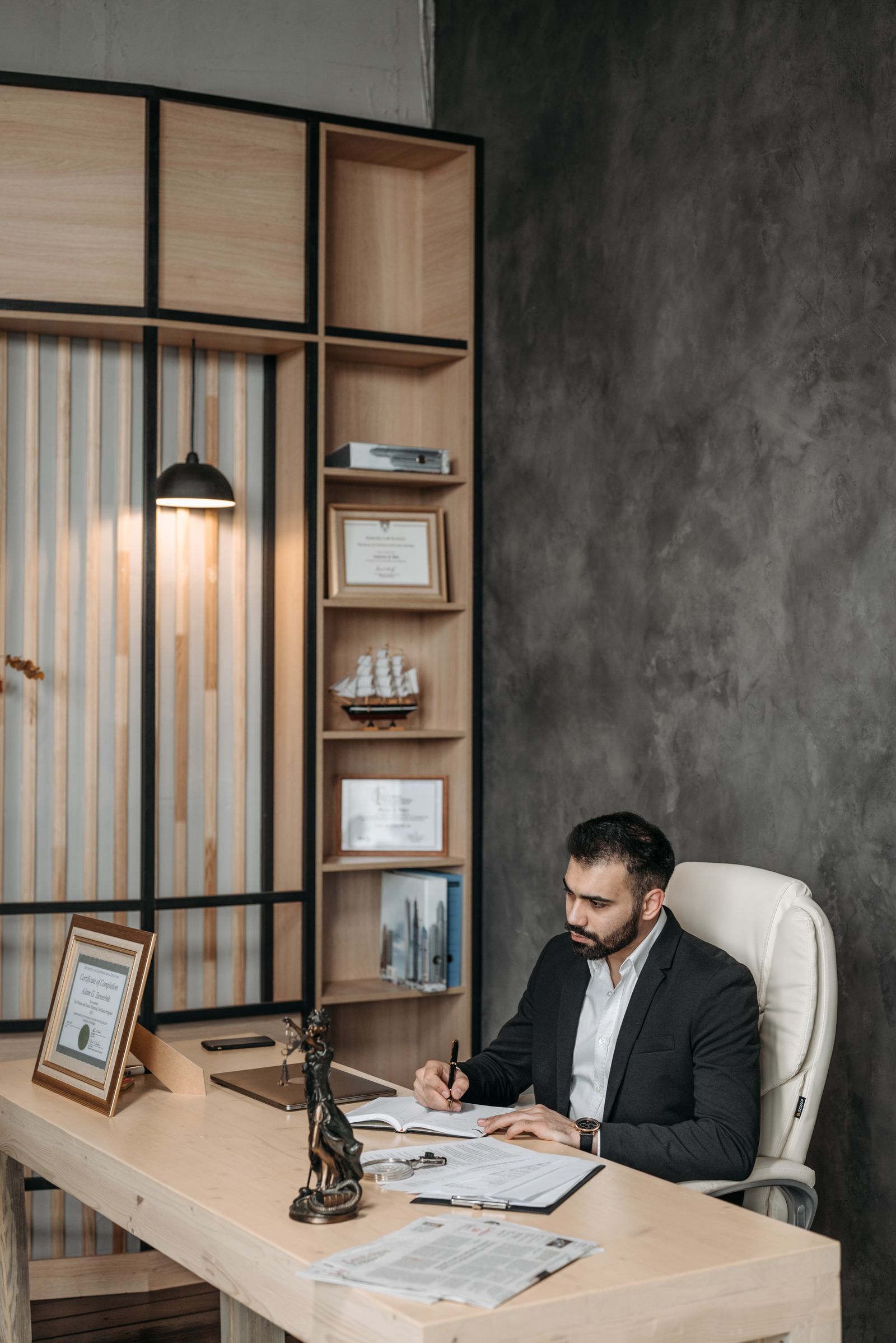
High desks, short legs and shared offices
Fixed desks are common in older offices and in kitchens used as offices. You cannot always saw the legs. You can still raise the chair and support the feet. That pairing is the whole method.
Children's leftover chairs and bar stools fail this test. A stool with a ring may let you hook a heel. That is not flat support. Use a chair with a real seat and a back if you can. Then add the rest.
Hot-desking repeats the check. Monday's chair may drop lower than Tuesday's. Keep a small rest in a bag if sites vary. A fold-flat board is enough. Reset in two minutes: elbows, feet, screen, then start the task.
Laptops add a second height fight. The keys and the screen cannot both be right at once. For long writing, raise the screen and add a separate keyboard. Place that keyboard at elbow height. Support the feet again after you raise the chair. Our keyboard and mouse guide covers the reach once the height is honest.
Standing desks do not cancel the foot check. When you sit, the same rules apply. When you stand, rest the feet on the floor, not on the chair ring behind you. Soften the knees. Change stance. The sit spell still needs a floor that meets you.
Move often, and know when to get help
HSE favours short, frequent changes of activity over one long break at lunch. A well fitted rest still needs a body that leaves the chair. Stand. Walk. Look away from the screen. Pair the setup with short desk stretches if you like a reset. Stretches are not a treatment plan.
NHS pages on back pain encourage keeping active and continuing daily tasks where you can. Bed rest is not the default plan. A footrest that lets you sit for nine hours without standing is not a health win. Use the fit so sitting is less awkward. Then still get up.
Look into the distance on a regular cadence so you are not frozen in one gaze. The 20-20-20 screen-break routine is a useful prompt to unhook your feet, blink, and then stand when the next task allows.
Seek a GP in the UK, or a primary care clinician in the US, if pain lasts, spreads, or comes with numbness, weakness, or swelling. After a fall, crash, or sudden severe pain, use urgent care. Occupational health can review a workplace when symptoms keep returning at work.
Do not treat a new rest as care for night pain, fever, unexplained weight loss, or trouble with bowel or bladder control. Those are reasons to seek clinical advice, not another millimetre of height.
When a footrest actually helps
If your feet dangle or you perch on your toes to reach the floor after setting desk height for elbows, a footrest restores a stable base. Aim for roughly even pressure through the feet and thighs close to parallel, depending on comfort.
Desk height order of operations
Set chair for feet/legs first when possible, then desk or keyboard height for elbows, then screen. A footrest is a patch when the desk cannot come down; it should not force hips into an extreme tuck.
Standing desk foot behaviour
While standing, shift weight, use a low foot rail if available, and avoid locking knees. A footrest under a sitting desk does not mean you should stand on a wobbly stack of books.
Making desk height and feet survive a busy week
Attach desk height and feet to existing breakpoints and recheck setup whenever you change chairs or rooms. Keep a minimum version for meeting-heavy days.
Persistent numbness, night pain or weakness needs clinical or occupational-health input rather than endless self-tweaks.
Frequently asked questions
Do I need a footrest if I can just about reach the floor?
Can a stack of books replace a bought footrest?
Should my knees sit at a right angle?
Will a footrest cure my back or hip pain?
What if my desk is too low once my feet are planted?
Sources
- 1. Good posture when using display screen equipment
- 2. Working safely with display screen equipment
- 3. Ergonomics and musculoskeletal disorders
- 4. Ergonomics
- 5. Back pain
Guidance changes. Figures were checked against the sources above at the time of review; always confirm current advice with your GP, pharmacist or clinician.
Image credits
- Photo: Photo by Vitaly Gariev on Pexels / Openverse
- Photo: Photo by Mikhail Nilov on Pexels / Openverse
- Photo: Photo by Pavel Danilyuk on Pexels / Openverse
Was this useful?
Anyone can react — no account needed.



Discussion
0 comments · Name and email only · Email is never shown