
Hot-Desking Ergonomics: A Two-Minute Reset in a Shared Office
Treat every shared seat as new. In two minutes, set chair and feet, bring the keys close, centre the screen, then start work.
Section
Stretches, setup and movement for people who sit for a living
Desk stretches, workstation ergonomics, posture tools, walking pads and movement reminders for office and hybrid workers who spend most of the day seated.
Practical guide
Walk off the car slump before you log on, then set the desk and keep the first sitting block short. Commute stiffness is a habit you can interrupt.
Treat every shared seat as new. In two minutes, set chair and feet, bring the keys close, centre the screen, then start work.
Skip the shoulder clamp. A headset, earbuds with a mic, or speakerphone on a private call all beat pinning a handset between ear and shoulder.
Match chair height to your elbows, then support both feet on the floor or a stable rest. Dangling heels are a fit issue, not a willpower issue.
Fit the chair you have: sit back, support your feet, then add a towel or small cushion for lumbar support. Movement still comes first.
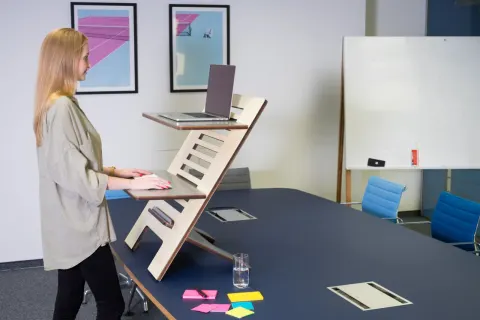
Skip the hunt for a perfect split. A useful sit stand ratio is frequent position change, short upright bouts, and walking.
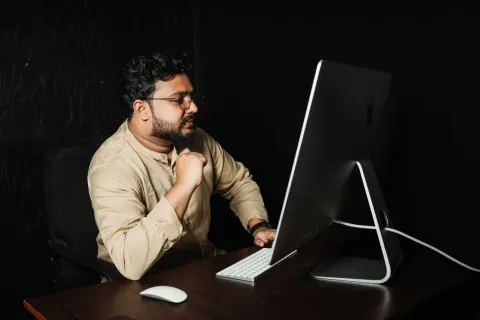
Keep keys just below elbow height and the mouse beside them. Keyboard and mouse placement is a map, not a shopping list.
Set the screen at a height that lets your neck stay easy, then keep changing position. Height is a fit check, not a cure.