
A headset vs phone cradle choice is really a neck choice. Pinning a handset between your ear and shoulder is an awkward hold, not a clever third hand.
Long calls invite a shortcut. You need both hands. You clamp the phone. Your head tips. Minutes stack up. HSE display-screen advice is about avoiding that kind of long, twisted pose. MedlinePlus and NIOSH describe the same idea: fit the job to you, and keep tools where your joints already sit. A headset vs phone cradle comparison is about that fit, not about office fashion.
Headset vs phone cradle: what each option does to your neck
Cradling means the phone sits in the gap between ear and shoulder. You lift the shoulder. You tip the head. You often twist toward the screen at the same time. That is a small shape held for a long time. Small plus long is the strain pattern HSE warns about in display work.
Holding the phone in a hand is kinder for a short call. It still fails when you need to type. People then shrug the handset up. The cradle creeps back in.
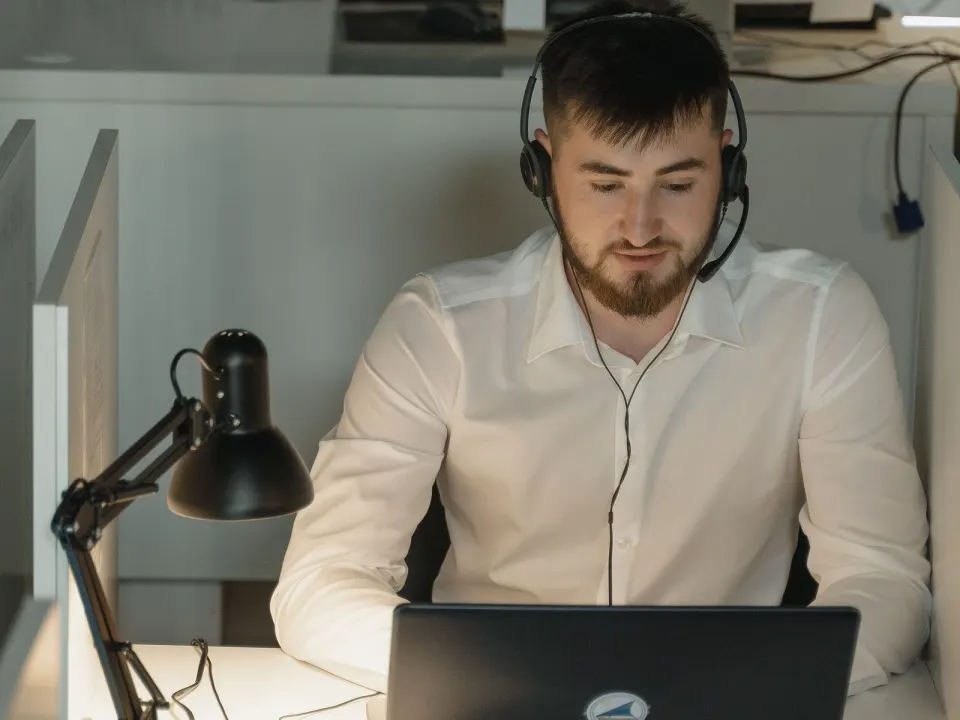
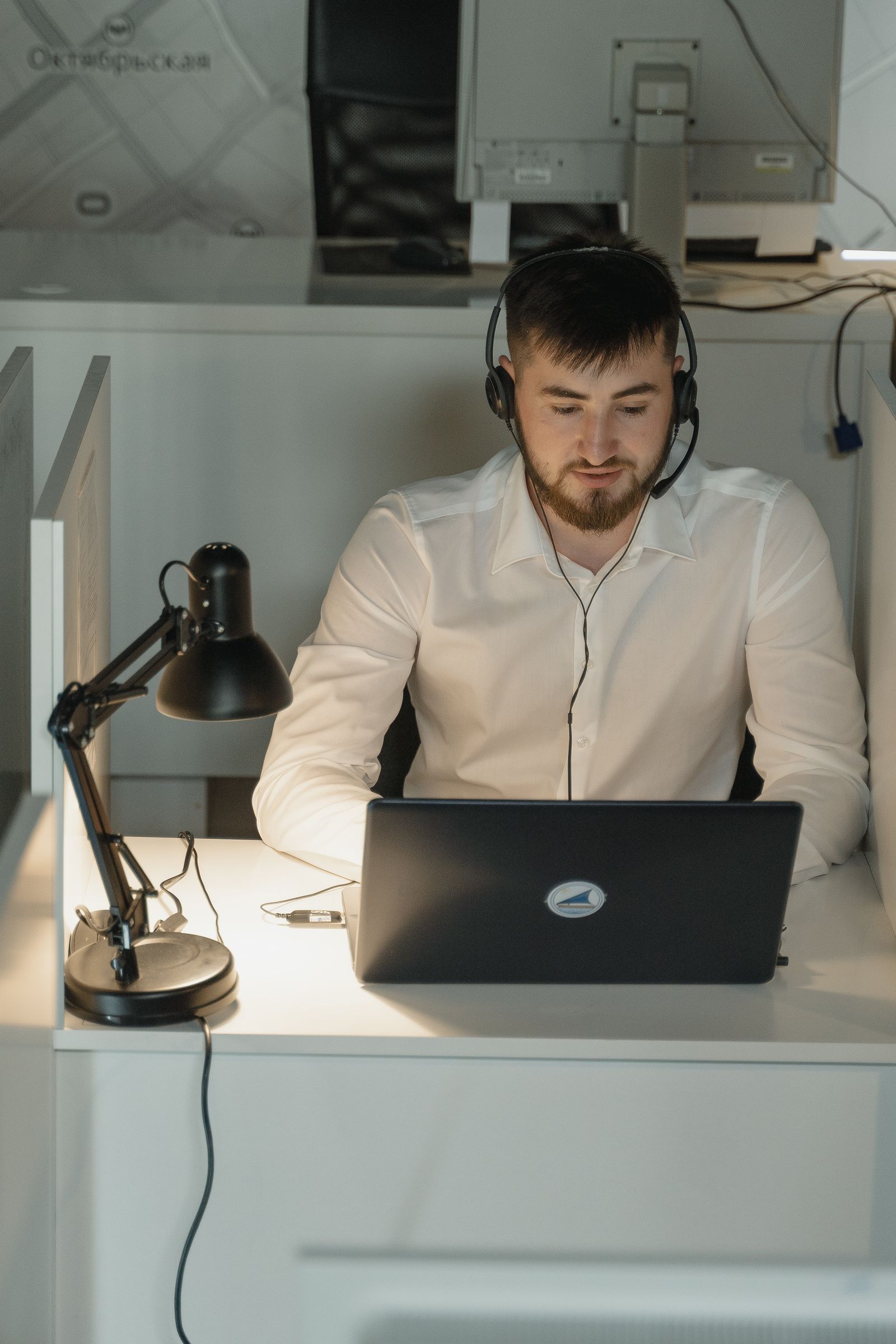
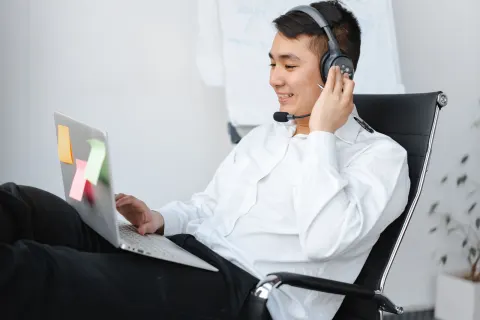
A headset keeps the head free. Over-ear cups, a light boom mic, or simple earbuds with a mic can all work. The useful test is whether you can sit back and still hear. If you poke your chin toward a weak mic, the kit is wrong.
Speakerphone avoids the clamp. It needs a quiet room and a willing other person. It can also make you lean into a laptop that is too far away. Pull the machine closer. Or use a headset anyway.
None of these options treat neck pain. NHS pages on neck pain still centre on keeping active, easing the pose you hold, and seeking help when symptoms persist. A better call setup removes one aggravating habit. That is the whole claim.
How to run calls without a shoulder clamp
Put the audio on before the call, not after the first minute of panic. Plug in. Test mute. Sit back. Then join. If you wait until you are already typing, you will cradle again.
Keep the keyboard close so you are not reaching while you talk. Shoulders stay down. Wrists stay fairly straight. Our keyboard and mouse guide covers that map. A headset cannot rescue a desk that forces a long reach.
Look at the screen with a level head. If the laptop sits in your lap, you will drop the chin even with perfect audio. Raise the screen for long meetings. Add a separate keyboard. The desk ergonomics checklist is the place to reset the whole station, not only the call kit.
Use mute as a rest. You do not need to hold a "ready to speak" face for an hour. Drop the shoulders. Unclench the jaw. Look out of the window. Then unmute when it is your turn.
| Setup | Neck demand | Best use |
|---|---|---|
| Cradled handset | Head tipped, shoulder lifted, often for the whole call | Avoid as a habit. Put the phone down or switch kit. |
| Hand-held phone | One arm busy; head can stay easier for a short chat | Brief calls when you do not need to type |
| Speakerphone | Head free if you do not lean into a distant mic | Private rooms and short catch-ups |
| Headset or earbuds with mic | Head free; watch strap tightness and a dropped chin | Long calls, shared offices, and typing while you talk |
| Walking call | Change of pose; still look where you walk | One-to-one calls when the route is safe |
Kit that helps, and kit that only looks busy
A light headset you will actually wear beats a heavy "pro" set that stays in a drawer. Try it for a week of real meetings. If the band bites, loosen it or pick another shape. Pain from the kit itself is a reason to stop, not to "toughen up".
Wireless buds are fine if they stay put and the mic is clear. People then hike the shoulders to keep a slipping bud in place. That is another clamp. Use hooks, a better fit, or a headband set.
A wired headset avoids a dead battery in a long meeting. A wireless set is easier when you stand. Pick the one you will actually carry. Charge it the night before. A flat battery is a shoulder clamp waiting to happen.
Take a car earpiece off when you sit down. It often sits tight on one side and invites a tilt. Switch to a lighter headset vs phone cradle setup at the desk. Keep the car kit in the car.
Do not tape a phone to your ear with a scarf. Do not wedge it against a raised shoulder while you search files. Those are cradle cousins. Put the call on speaker for a moment, or pause typing.
Employers in Great Britain have DSE duties for qualifying users. A headset can be a reasonable adjustment for heavy phone work. That is a workplace question. Occupational health or a manager can help you ask. This article is not legal advice.
Blend calls with movement, not with a frozen sit
HSE favours short, frequent changes of activity. A two-hour video block is still a two-hour sit if you never stand. Take some calls on your feet. Walk a safe indoor loop on audio-only chats. Pair that with movement snacks in the work day.
If you stay seated, change the chair angle. Uncross the legs. Look into the distance. After a long meeting, use a few desk stretches as a reset, not as a punishment. Slow turns of the head should feel easy. Stop any move that spreads pain or makes you dizzy.
Camera height matters too. A laptop far below you makes you crane even with a perfect headset. Raise the camera toward eye height for long meetings. You can still look away. You do not need to stare at your own tile.
Shared offices need courtesy as well as necks. A headset is often kinder to neighbours than speakerphone. Use mute. Keep volume modest. You can still stand behind your chair for a stretch of the call.
When neck pain needs a person, not a gadget
NHS neck pain pages describe common stiffness after holding one pose. They also list reasons to seek care. Pain that shoots into an arm, numbness, weakness, or trouble with walking or control of bowel or bladder is not a headset problem. Use urgent or emergency services when those features are new and severe.
After a crash or a fall, do not "work it out" on the next stand-up call. Get assessed. For ordinary but persistent neck ache, a GP, physiotherapist, or physical therapist can help. Occupational health can review call volume and desk fit when work keeps bringing the pain back.
People with a diagnosed neck condition, recent surgery, or dizziness on turning the head need individual advice. A new headset is still worth trying as a habit change. It is not a stand-in for that advice.
This is general information. Fever, unexplained weight loss, night pain that always wakes you, or a sudden severe headache with neck stiffness needs clinical care, not another comparison chart.
Why cradling loads the neck
Pinning a handset between ear and shoulder keeps the neck in side-bend under low-level contraction. Over a day of calls, that adds up. A headset or speakerphone with privacy considered keeps the head freer.
Headset fit cues
Light clamp pressure, mic near the mouth without blocking breath, and volume loud enough to avoid leaning into the screen. Over-tight headbands can cause their own headaches — adjust or pad.
Call-day microbreaks
Between calls, do five gentle chin-tucks and 20 seconds of doorway chest stretch each side. Stand for longer calls when culture and privacy allow.
Making headset vs phone cradle survive a busy week
Attach headset vs phone cradle to existing breakpoints and recheck setup whenever you change chairs or rooms. Keep a minimum version for meeting-heavy days.
Persistent numbness, night pain or weakness needs clinical or occupational-health input rather than endless self-tweaks.
Revisit the key steps for Headset Versus Cradling the Phone: Neck-Friendly Calls twice this week at the doses above, changing only one setup cue between attempts.
Revisit the key steps for Headset Versus Cradling the Phone: Neck-Friendly Calls twice this week at the doses above, changing only one setup cue between attempts.
Revisit the key steps for Headset Versus Cradling the Phone: Neck-Friendly Calls twice this week at the doses above, changing only one setup cue between attempts.
Revisit the key steps for Headset Versus Cradling the Phone: Neck-Friendly Calls twice this week at the doses above, changing only one setup cue between attempts.
Revisit the key steps for Headset Versus Cradling the Phone: Neck-Friendly Calls twice this week at the doses above, changing only one setup cue between attempts.
Frequently asked questions
Is a cheap headset good enough?
Can I use speakerphone instead of a headset?
Do I need a boom microphone?
Will a headset prevent neck pain?
What if I share a phone on a reception desk?
Sources
- 1. Good posture when using display screen equipment
- 2. Working safely with display screen equipment
- 3. Ergonomics and musculoskeletal disorders
- 4. Ergonomics
- 5. Neck pain
Guidance changes. Figures were checked against the sources above at the time of review; always confirm current advice with your GP, pharmacist or clinician.
Image credits
- Photo: Photo by Mikhail Nilov on Pexels / Openverse
- Photo: Photo by Tima Miroshnichenko on Pexels / Openverse
Was this useful?
Anyone can react — no account needed.



Discussion
0 comments · Name and email only · Email is never shown