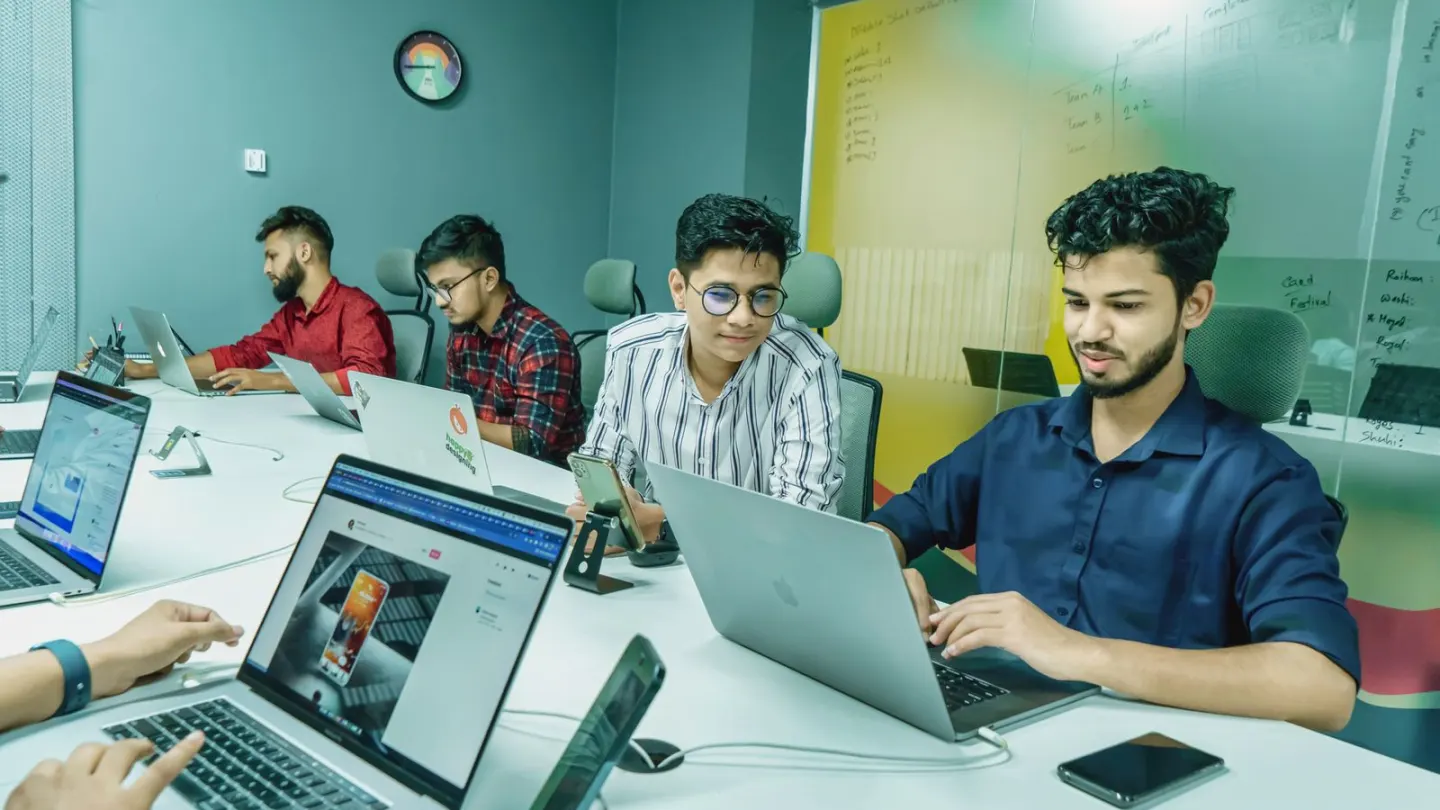
Hot desking ergonomics is a two-minute reset, not a hunt for a perfect chair. Each shared desk is a new fit. Do the same checks every time you sit down.
A reserved seat lets you learn the levers. A shared bank of desks does not. Monday's chair is too high. Tuesday's screen sits off to the side. Wednesday you perch on a hot stool. HSE still expects display work to fit the person. MedlinePlus says the same. The method is small and repeatable. Hot desking ergonomics means you run that method before you open the inbox.
What hot desking ergonomics actually means
It means you treat every seat as untrusted until you have checked it. You do not copy yesterday's pose. You do not hope the last person left the chair in a kind place. You spend two minutes. Then you work.
HSE's display-screen pages still apply when you move around. Qualifying users in Great Britain should have a workstation assessment. A hot-desk bank is part of that story, not an exemption. US pages from NIOSH describe fitting the job to the person in any workspace. This article is practical habit, not legal advice.
The goal is a comfortable start you can leave often. It is not a rigid pose. People differ. Glasses differ. Task mix differs. The pass test is simple. You can type without a shrug. You can sit back. You can see the screen without tipping your chin up or folding your neck down.
Hot desking ergonomics also means you stop hunting for a mythical perfect pod. One decent chair that you reset beats a tour of the floor. If a row never fits anyone, that is a furniture problem. Say so. The ergonomics of hot desking live in the two-minute check, not in a slogan on the wall.
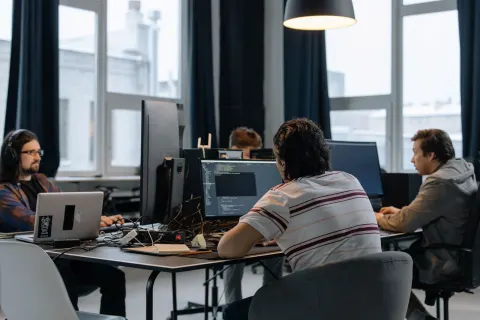
Shared desks fail in boring ways. The mouse is on a tray two feet to the right. A docking station parks the screen too low. A wobbly riser is someone else's stack of books. Clear the clutter first. Then fit what remains.
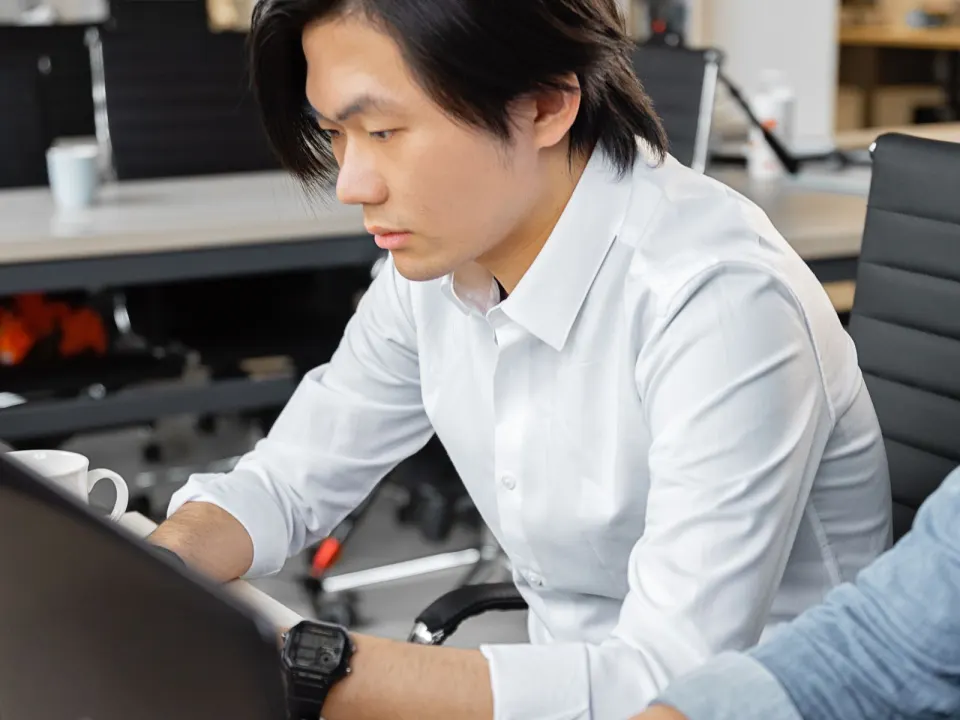
The two-minute reset, in order
Do this while a real document is open, not while you pose. Start with the chair. Raise or lower it until your elbows meet the keys with relaxed shoulders. Support both feet on the floor or on a stable rest. If the seat is too deep, sit back with a folded jumper behind you for the morning.
Pull the keyboard toward you. Park the mouse beside it, in line with the elbow you use for pointing. Hide spare phones and notebooks that steal that arc. If the desk is too high and will not move, keep the higher chair and support the feet. Do not perch.
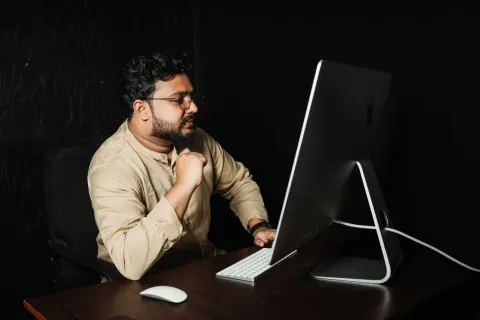
Place the main screen dead ahead. Start at about an arm's length. Match the top of the screen near eye level so your gaze falls a little down. If you wear multifocal lenses, a slightly lower screen is often easier. Enlarge the text before you drag the display into your face.
Last, kill glare. Turn the screen, not your trunk, if a window burns a hole in the picture. Use blinds if you have them. Then start the work. You can fine-tune at the first natural pause.
| Minute | Do this | Pass test |
|---|---|---|
| 0:00–0:40 | Set seat height, sit back, support both feet | Heels are not hanging; shoulders are not shrugged |
| 0:40–1:10 | Bring keyboard and mouse into a small arc | You type and click without a long reach |
| 1:10–1:40 | Centre the main screen; set distance and height | You read without leaning in or tipping the chin up |
| 1:40–2:00 | Fix glare; stow clutter; plug in with slack cables | You are not twisting toward a bright patch or a side dock |
| After lunch | Repeat the height checks if you changed chairs | The afternoon seat still meets the same tests |
A laptop on a shared bench needs extra kit for long sessions. Raise the screen. Add a full-size keyboard and mouse. HSE makes this point for portable devices used for prolonged work. If you cannot raise the laptop, shorten the session and look away often. The wider desk ergonomics checklist explains that order when you have more than two minutes.
A small bag kit for changing desks
You do not need a suitcase. A fold-flat footrest or a known firm notebook can support dangling feet. A light laptop riser beats a random book pile that rocks. A compact keyboard brings the mouse closer on a desk with a huge number pad.
A short HDMI or USB-C cable with slack stops a dock from yanking a laptop off the edge. Cable slack is a safety issue as well as a comfort issue. Do not stretch a lead across a walkway.
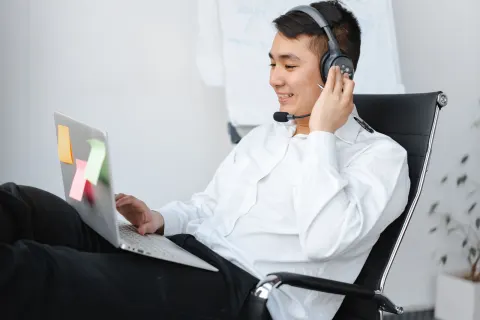
Noise-cancelling buds can help focus. They do not fix a twisted neck. Keep calls on a headset so you are not clamping a handset. Then stand for some of the talking. Pair the sit with movement snacks during the work day.
If the site has sit-stand desks, do not jump to a full morning upright. Use a slow mix. The standing desk transition plan is the place to add height without swapping a sore back for sore feet. Recheck screen height when you rise. The eye line changes.
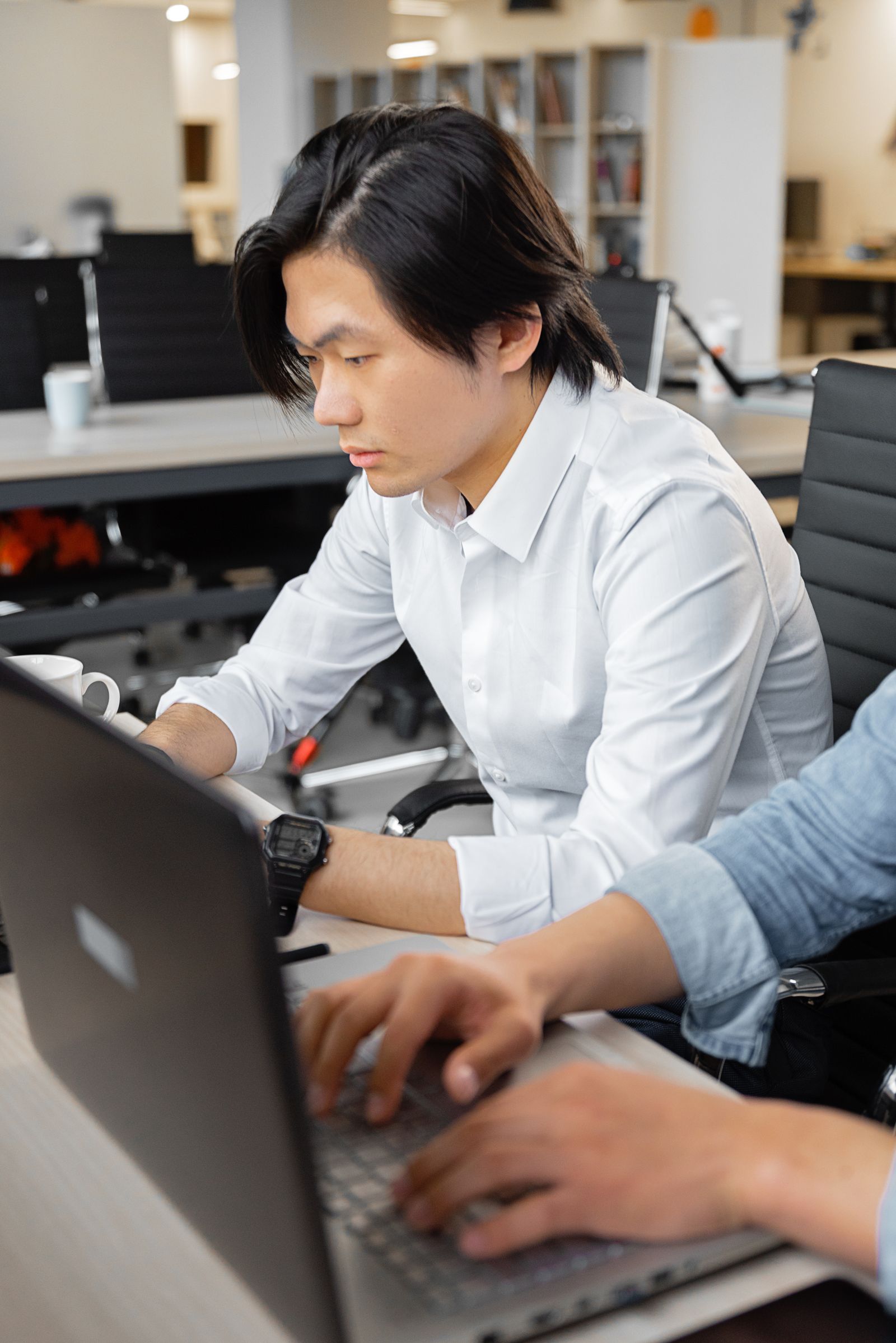
Shared kit, hygiene and being a good neighbour
Wipe the keyboard, mouse, and headset contact points if your workplace provides wipes. Do not soak electrics. Wash your hands. This is ordinary hygiene, not a medical protocol. Follow your employer's infection guidance when it is stricter.
Leave the chair in a middle height if you can. The next person still needs to reset, but they should not have to fight a seat jammed at the top of its travel. Push the chair in. Coil your own cables. Take the riser with you.
Do not colonise three desks with bags. Spread is not a posture strategy. It forces other people into worse corners. Pick one station. Fit it. Work. Then walk to print or to fill a bottle so you actually leave the chair.
If every desk is slightly too high, that is a facilities issue. Raise it with your manager or occupational health. A personal footrest can bridge a day. It should not hide a whole floor of furniture that never fitted anyone. Hot desking ergonomics cannot paper over a building that was never measured.
Move, then decide if the building needs a review
HSE favours short, frequent changes of activity. A perfect two-minute reset still fails if you then freeze until 5 p.m. Look away. Stand. Walk. Use a few desk stretches if they feel easy. Stop any move that spreads pain.
NHS advice on back and neck pain still centres on keeping active. A new chair is not a cure. If pain lasts, spreads, or comes with numbness or weakness, speak to a GP in the UK or a primary care clinician in the US. After a fall or sudden severe pain, use urgent care.
Report damaged chairs, rocking screens, and electrical faults through your employer's process. Do not "make do" with a seat that tips. That is a safety issue, not a toughness test.
Night pain, fever, unexplained weight loss, or new trouble with bowel or bladder control needs clinical care. Do not keep shopping for adapters while those features sit in the background.
Five-minute hot-desk setup ritual
- Adjust chair height for feet support.
- Set monitor height/distance or deploy laptop riser + keyboard.
- Pull keyboard and mouse close.
- Check glare and lighting.
- Set a first movement reminder for 30–45 minutes out.
Kit to carry
A compact keyboard, travel mouse, and foldable riser often matter more than hoping every hot desk is tuned. Keep a short checklist on your phone.
Social norms
Arrive a few minutes early for setup. Leave the station reset. If shared equipment is broken, report it — personal stretching cannot fix a stuck monitor arm.
Making hot desking ergonomics survive a busy week
Attach hot desking ergonomics to existing breakpoints and recheck setup whenever you change chairs or rooms. Keep a minimum version for meeting-heavy days.
Persistent numbness, night pain or weakness needs clinical or occupational-health input rather than endless self-tweaks.
Revisit the key steps for Hot-Desking Ergonomics: A Two-Minute Reset in a Shared Office twice this week at the doses above, changing only one setup cue between attempts.
Revisit the key steps for Hot-Desking Ergonomics: A Two-Minute Reset in a Shared Office twice this week at the doses above, changing only one setup cue between attempts.
Revisit the key steps for Hot-Desking Ergonomics: A Two-Minute Reset in a Shared Office twice this week at the doses above, changing only one setup cue between attempts.
Field notes that keep hot desking ergonomics useful
Before the next session involving hot desking ergonomics, decide the exact dose: duration, sets, portions or steps — whatever this article measures. Write it somewhere you will see at the start time. Vague intentions are how good advice becomes unused bookmarks.
Afterward, record one sentence on comfort and one number from the plan (load, minutes, fibre grams, glasses, intervals). That pair of notes is enough to spot patterns across a fortnight without building a complicated spreadsheet you abandon.
If the plan collides with the same obstacle twice — late meetings, sore knees, skipped breakfast — change the obstacle, not only your willpower. Move the slot, shorten the session, or prepare the meal earlier. hot desking ergonomics only works as behaviour in a real week.
Share the plan with one person who will ask a kind check-in question, or book it in a shared calendar. Quiet accountability beats public pressure. Re-read the sections above after two weeks and keep only the pieces you actually repeated.
Revisit the safety notes in this article whenever hot desking ergonomics feels rushed. Slowing the first five minutes usually saves the whole session.
Revisit the safety notes in this article whenever hot desking ergonomics feels rushed. Slowing the first five minutes usually saves the whole session.
Frequently asked questions
How often should I reset a hot desk?
What if there is no footrest and my feet dangle?
Can I skip the external keyboard for a short stay?
Does hot-desking itself cause pain?
Should my employer assess hot desks?
Sources
- 1. Working safely with display screen equipment
- 2. Good posture when using display screen equipment
- 3. Ergonomics and musculoskeletal disorders
- 4. Ergonomics
- 5. Back pain
Guidance changes. Figures were checked against the sources above at the time of review; always confirm current advice with your GP, pharmacist or clinician.
Image credits
- Photo: Photo by Ofspace LLC, Culture on Pexels / Openverse
- Photo: Photo by Monstera Production on Pexels / Openverse
- Photo: Photo by Mikhail Nilov on Pexels / Openverse
Was this useful?
Anyone can react — no account needed.
Discussion
0 comments · Name and email only · Email is never shown