
iOS Screen Time vs Android Digital Wellbeing is a platform question, not a buying guide. This is a source-reviewed guide, not a hands-on lab test. Both dashboards show time, pickups or unlocks, and notifications. They do not share a sync model, a family path, or the same public privacy wording.
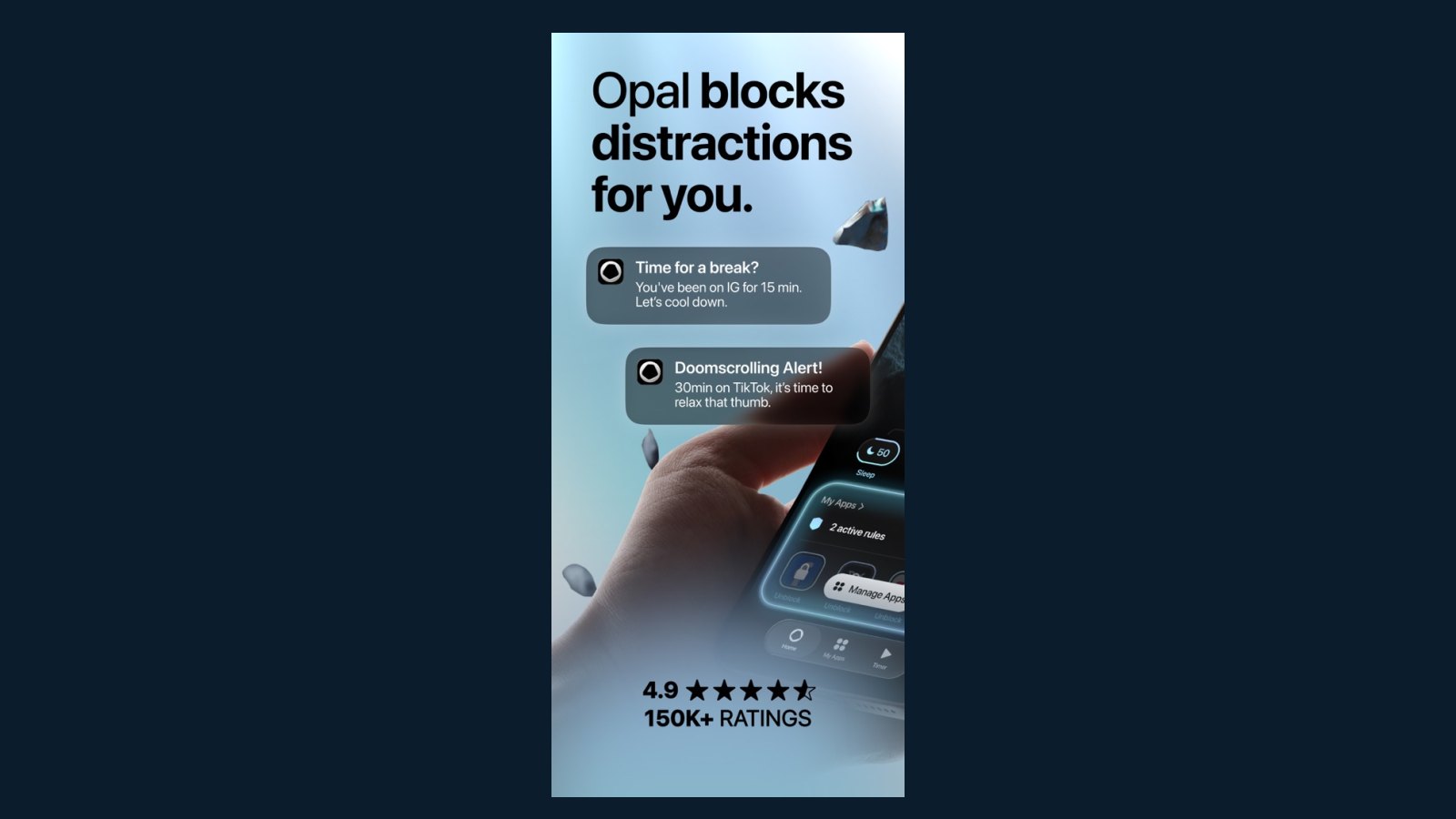
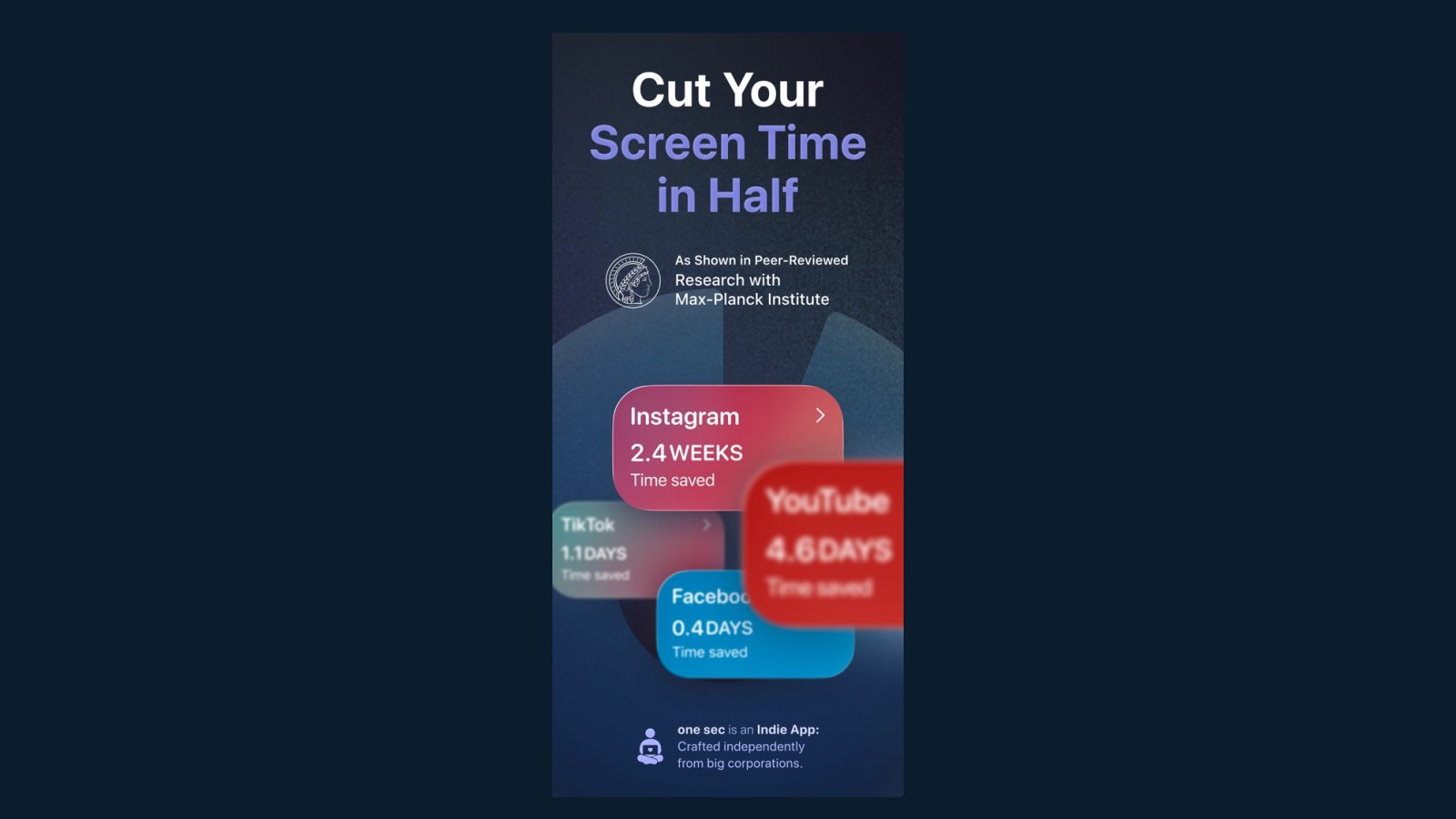
Third-party blockers sit on top of these pipes. See best screen time apps, the Opal review, and the one sec review for those products. This page stays on first-party docs.
| Data or claim field | iOS Screen Time (first-party source) | Android Digital Wellbeing (first-party source) |
|---|---|---|
| What the dashboard counts | App and website time, pickups, notifications; App & Website Activity must be on to see a child summary (Apple Support, Screen Time for a child’s iPhone) | Screen time (apps on screen and how long), times opened / unlocks, notifications by app (Android Help, Digital Wellbeing) |
| Collection and permission | Built-in Settings feature from iOS 12, iPadOS 13.1, macOS 10.15, some watchOS 6 features. Adult sync needs Apple Account two-factor authentication (Apple Platform Security) | Settings → Digital Wellbeing & parental controls. Optional home-screen icon. Chrome site list is a separate show-sites step |
| Sharing and access | Adult devices on the same Apple Account can sync. Parents in Family Sharing can view and manage a child’s Screen Time. Transfer uses end-to-end encrypted IDS; Apple says it cannot read that payload | Adult dashboard is on-device help copy. Child supervision is Family Link, not the same article. Family Link’s child privacy notice describes Google account activity, which is a wider pipe |
| Retention | Apple: clearing Safari history or deleting an app removes matching usage on that device and synced devices (iOS 13+ / macOS 10.15+). Brief IDS storage until the receiving device is on | App timers reset at midnight. You can remove past Chrome site rows; future visits reappear. We did not find a public “delete all history” sentence equal to Apple’s app-delete rule |
| Export and deletion | No consumer CSV export is named on the security page we fetched. Stop sync by changing Apple Account or Screen Time settings. Analytics, if “Share iPhone & Watch Analytics” is on, are anonymized feature counts only | No official wellbeing CSV is named on the help page we fetched. Deleting the Digital Wellbeing app icon does not remove Settings. Family Link export sits in the child’s Google Account tools |
| Evidence or documentation date | Apple Platform Security “Screen Time security,” published 18 February 2021; Apple Support child setup page fetched 13 September 2026 | Android Help “Manage how you spend time on your Android phone with Digital Wellbeing,” fetched 13 September 2026 |
| Caveat | Security wording may lag later iOS versions. We did not run a packet capture. Store Screen Time APIs used by Opal or one sec are not this dashboard | Pixel, Samsung, and other skins add or hide tiles. Do not assume one Android screen. Accessibility-based third-party blockers are a different permission |
| Last verified | 13 September 2026 | 13 September 2026 |
iOS Screen Time vs Android Digital Wellbeing clocks
Apple counts time in apps and, on iPhone, websites that Screen Time can see. A pickup is a wake. Notifications are a third stack. Across Apple devices, one Apple Account can merge those rows when sync is on. That is convenient. It is also why a deleted Safari history should wipe matching rows everywhere, according to Apple.
Google counts time an app was on screen, how often you opened it, and which apps notified you. Chrome can add a site list with its own timers. That list is not your Samsung Internet week unless you open Chrome. Midnight resets the timer, not necessarily the history graph.
If you hold an iPhone and a Pixel, you have two clocks. Adding them is a homemade estimate, not a platform feature.
Who can see the graph
On an adult iPhone, Screen Time is yours unless you hand someone the passcode. Family Sharing is the remote path. Apple says children are told when a parent turns it on. At the age of majority, which varies by country, the child can shut monitoring off.
On Android, Digital Wellbeing is written as a self-tool. Parents who need remote limits use Family Link. That product’s child privacy notice talks about search, YouTube, synced Chrome, and other Google activity. Do not treat that notice as Digital Wellbeing’s adult dashboard. They share a Settings hallway. They do not share a data map.
What Apple says it does not collect
The security guide is unusually plain: “No specific app or web usage data is gathered by Apple.” Icons in the list are fetched from the App Store without keeping those requests, Apple says. Optional analytics cover switches such as whether Screen Time is on, how often someone asked for more time, and how often a limit was ignored — not the names of your apps.
End-to-end encryption is the adult-sync story. It needs two-factor authentication. If that is off, do not assume the same promise. We did not re-test 2026 iOS builds in a lab.
What Google help does and does not say
The Digital Wellbeing article we fetched explains controls: timers, Bedtime mode or similar display changes, and an optional PIN so only you can lift a limit. It does not publish an Apple-style “we never collect app names” sentence for the adult dashboard. Absence is not proof of collection. It is a documentation gap. We will not fill it.
Third-party Android blockers often request Accessibility. That is not Digital Wellbeing. Opal’s Play listing says it uses Accessibility on Android 14+ to manage the block list. one sec says the same API and claims data stay on-device. Those labels belong on the app pages, not on Google’s Settings tile.
Limits, downtime, and how easy they are to break
Apple lets adults ignore a limit. The hourglass still shows. A parent passcode changes that for a child. Downtime can leave only allowed apps. Content & Privacy Restrictions sit in the same Screen Time tree.
Google timers dim the icon and close the app when time is gone. Delete the timer to get back in the same day, unless you set a PIN. That PIN is a local lock, not Family Link.
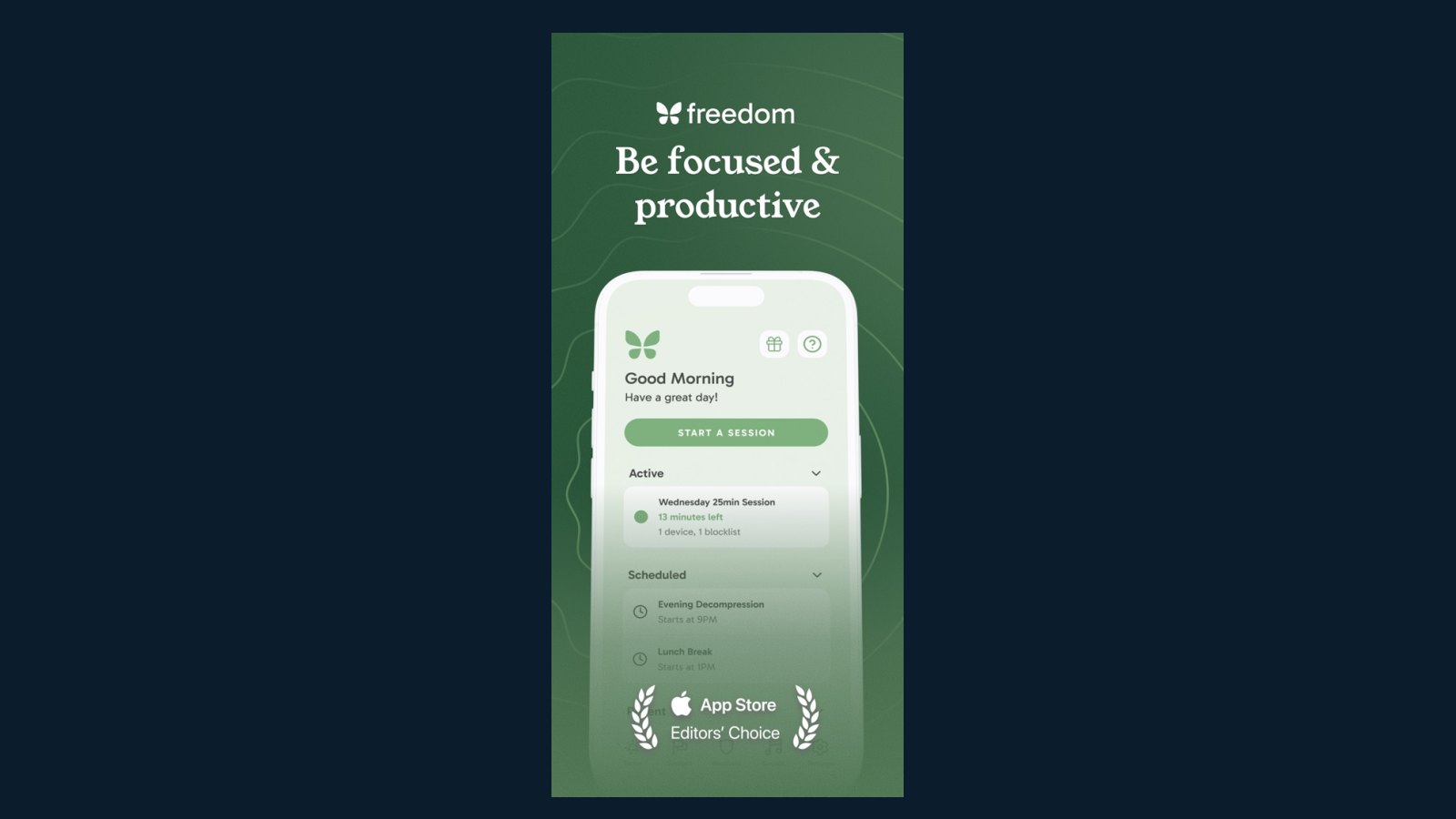
Neither system can see a browser on another device. Paid tools such as Freedom or Forest add their own clocks. They do not make Apple and Google comparable.
How to read the two graphs without lying to yourself
Compare this week with last week on the same phone. Do not compare your iPhone Tuesday with a colleague’s Pixel Tuesday. If you switch platform, start a new baseline.
Write down whether “screen time” includes work chat. If it does, a falling bar can mean you were offline, not that you were well. Pair the graph with one offline act — a walk is enough. Activity bands sit on UK and US physical activity guidelines. Evening eating loops sit on the stress eating practical guide.
What we could not verify
We did not obtain a 2026 Apple or Google white paper that lists every process name that writes the counters. We did not confirm whether Samsung’s version of Digital Wellbeing stores extra rows in a Samsung account. We did not run exports in a lab. If a setting is missing on your build, trust the phone in your hand over this table.
iOS Screen Time vs Android Digital Wellbeing is a documentation comparison. It is not a claim that one graph is “more accurate” in minutes. Accuracy against a stopwatch remains unpublished in the pages we fetched.
Frequently asked questions
Do Apple and Google use the same definition of screen time?
Does Apple read my Screen Time app list?
Is Digital Wellbeing the same as Family Link?
Can I export a year of data?
Should I trust a third-party app’s number over the OS?
Sources
- 1. Screen Time security
- 2. Use Screen Time to manage your child’s iPhone or iPad
- 3. Manage how you spend time on your Android phone with Digital Wellbeing
- 4. Family Link — Children’s Privacy Policy
- 5. How, when, and where does Opal report your Screen Time?
Guidance changes. Figures were checked against the sources above at the time of review; always confirm current advice with your GP, pharmacist or clinician.
Image credits
- Photo: Photo by Andrea Piacquadio on Pexels / Openverse
- Photo: Photo by Pixabay on Pexels / Openverse
- Photo: Photo by Islaava on Wikimedia Commons / Openverse
- Photo: Photo by fauxels on Pexels / Openverse
Was this useful?
Anyone can react — no account needed.

Discussion
0 comments · Name and email only · Email is never shown