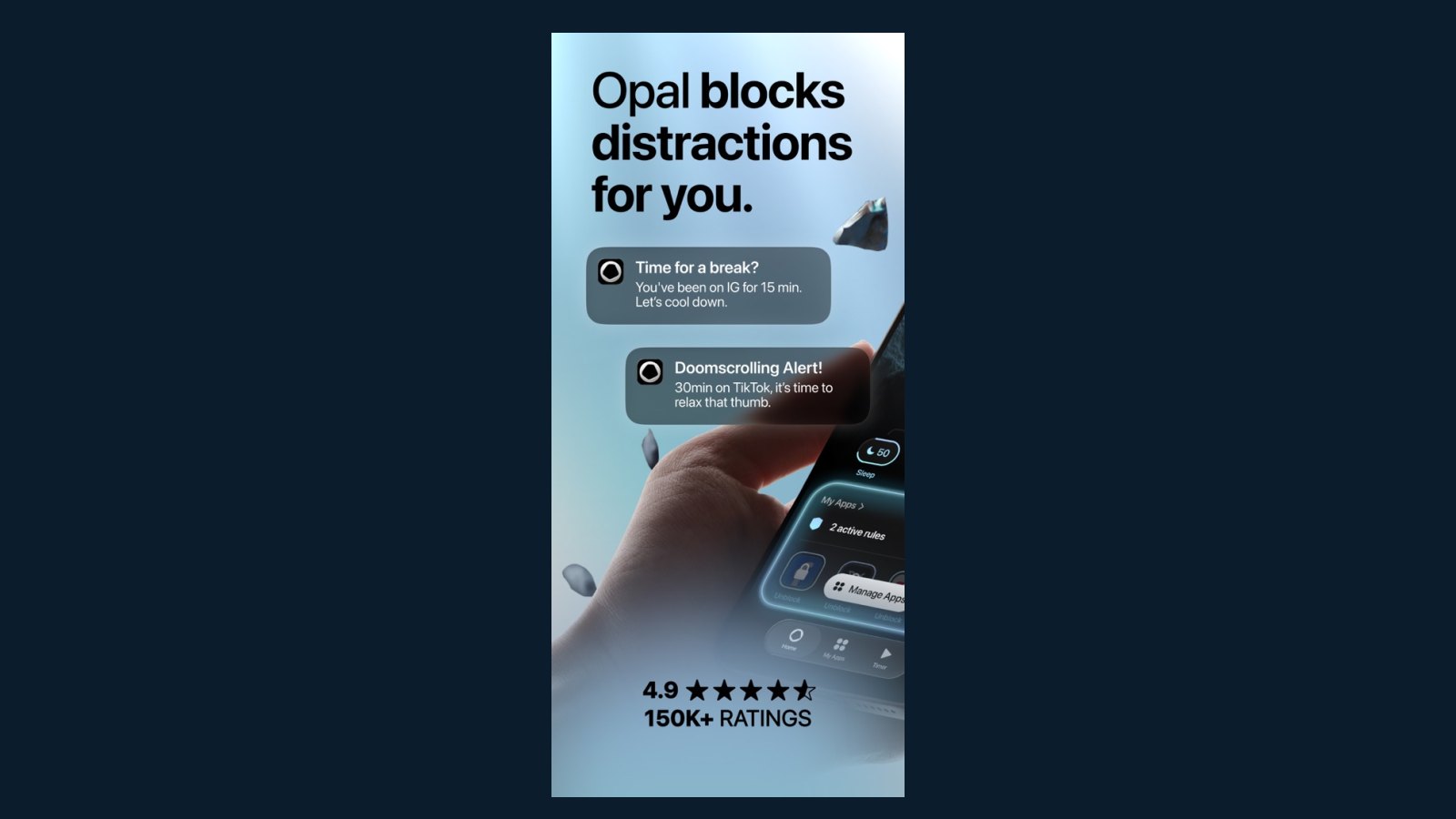
This Opal review asks whether Opal OS’s blocker is worth a Pro fee. This is a source-reviewed guide, not a hands-on lab test. We used the US and UK App Store pages, Google Play, opalapp.com pricing, the help article on data, and the Apple privacy label, all captured on 13 September 2026.
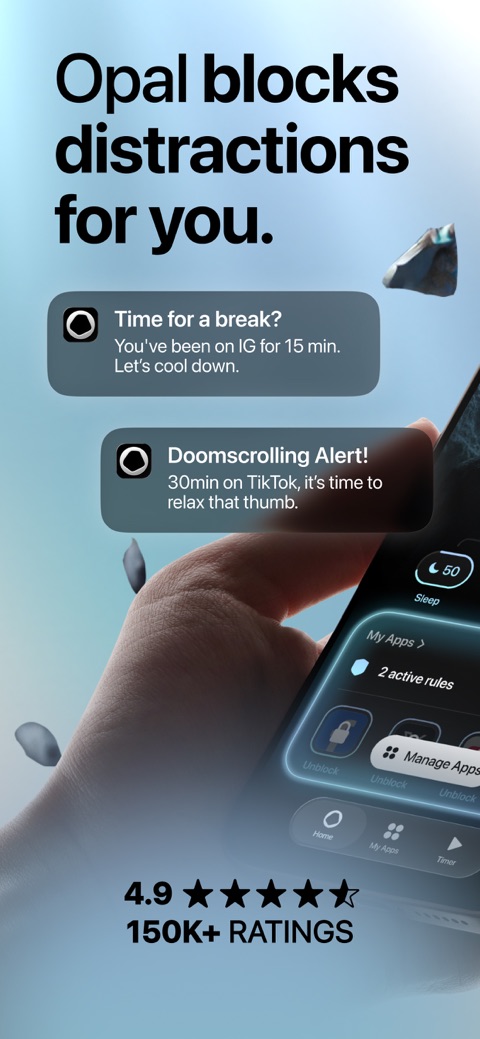
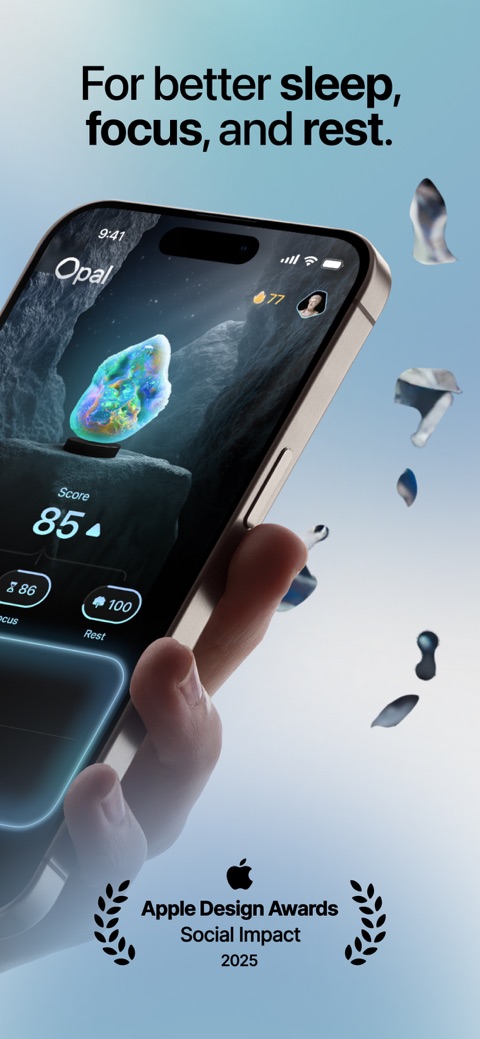
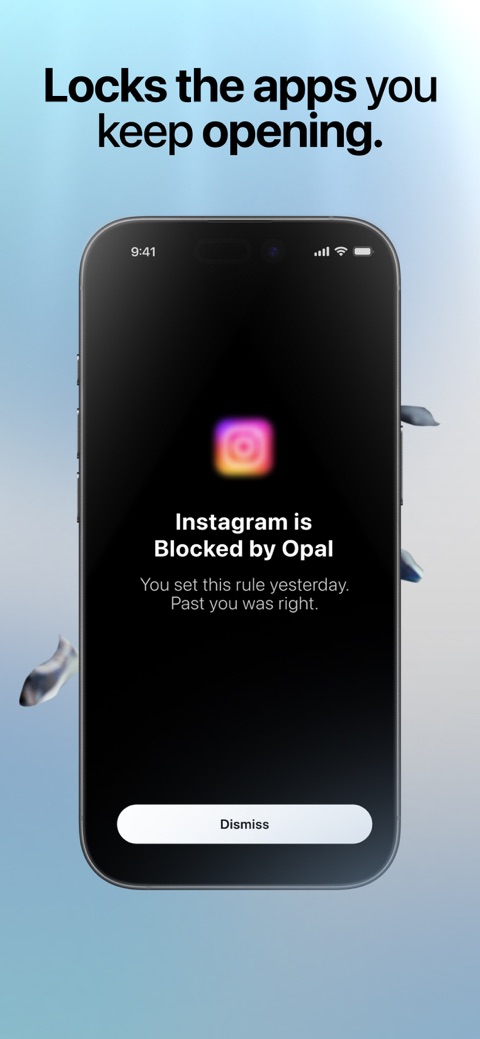
Opal sells rules, app limits, a Focus Score, and Deep Focus that you cannot tap past. The free download is real. The hard lock is not free on the pages we read. An app cannot replace therapy. It cannot treat ADHD. It adds friction.
Who this Opal review is for
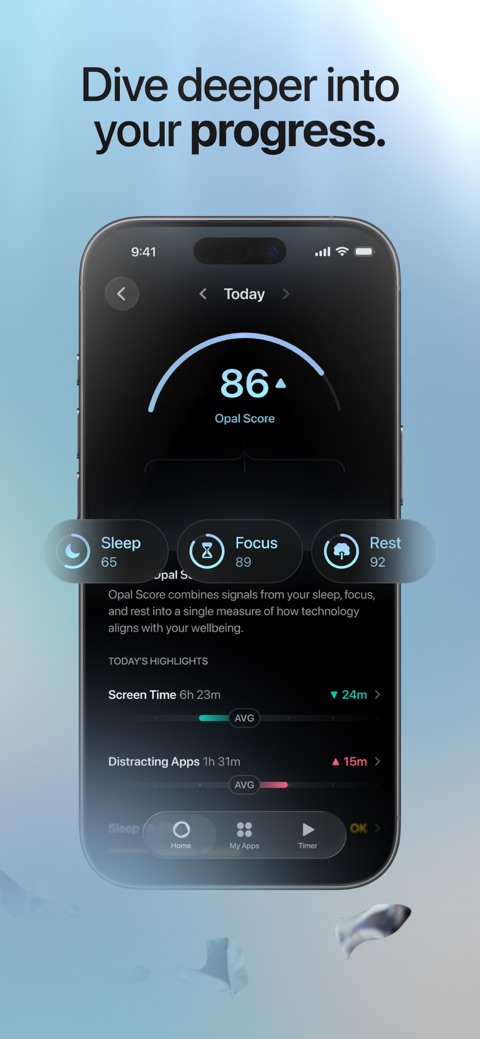
1 of 5
Download Opal: Screen Time Control on the App Store · Get Opal: Screen Time Control on Google Play
This Opal review is for adults who want a calendar block and a lock that is harder than iOS Screen Time. It suits people who will grant Apple’s Screen Time API, or Android Accessibility and usage access. It suits people who will pay for Deep Focus if the free Rule is too easy to undo.
Skip it if you refuse any subscription and will not pay $399 once. Skip it if you need Windows. A US store review in April 2025 asked for a PC build; the developer said more platforms were in progress. We did not verify a Windows app on 13 September 2026. Skip it if a 2024–2026 redesign already annoyed you. Some UK reviews in 2026 called the new layout slower.
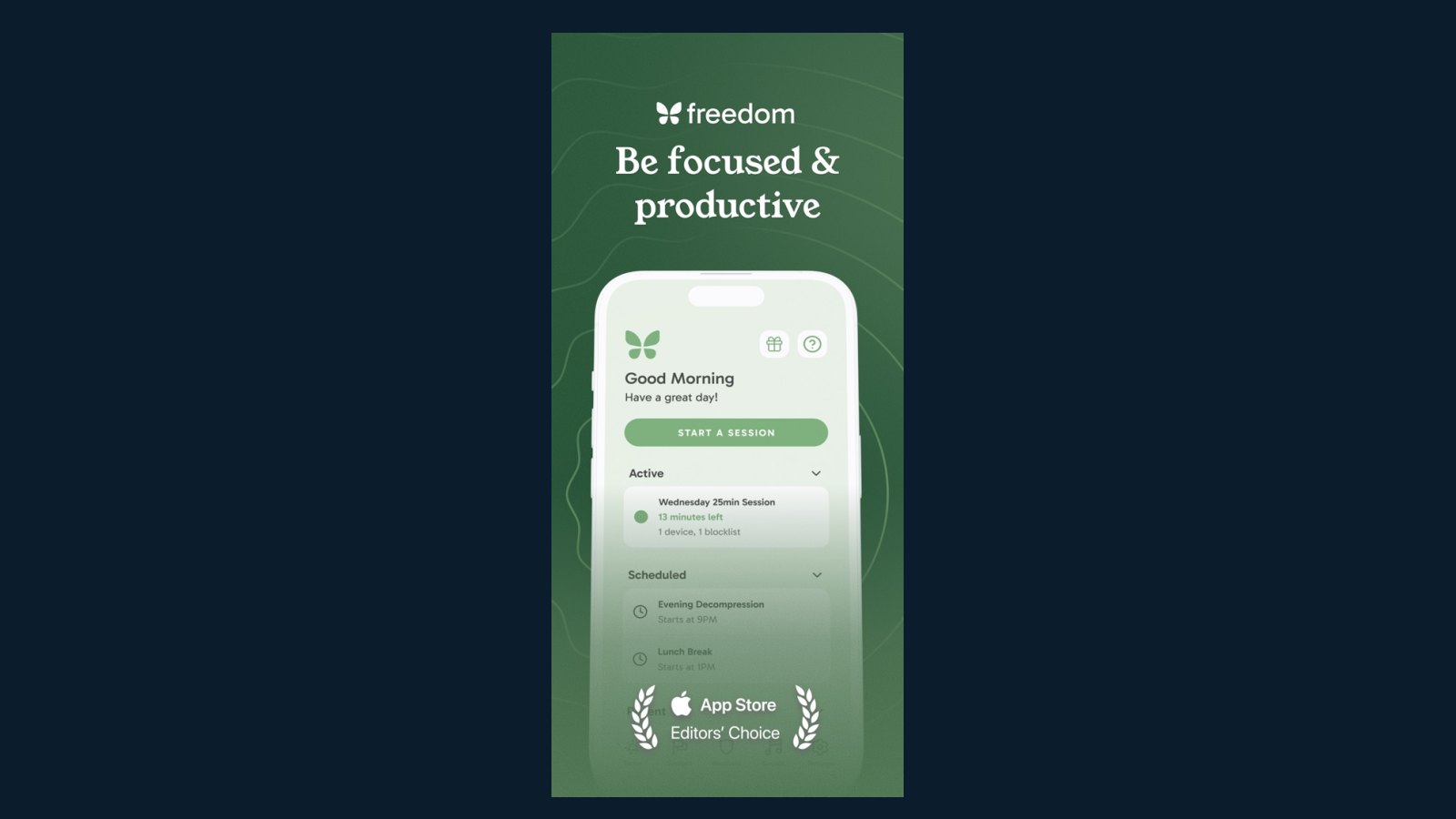
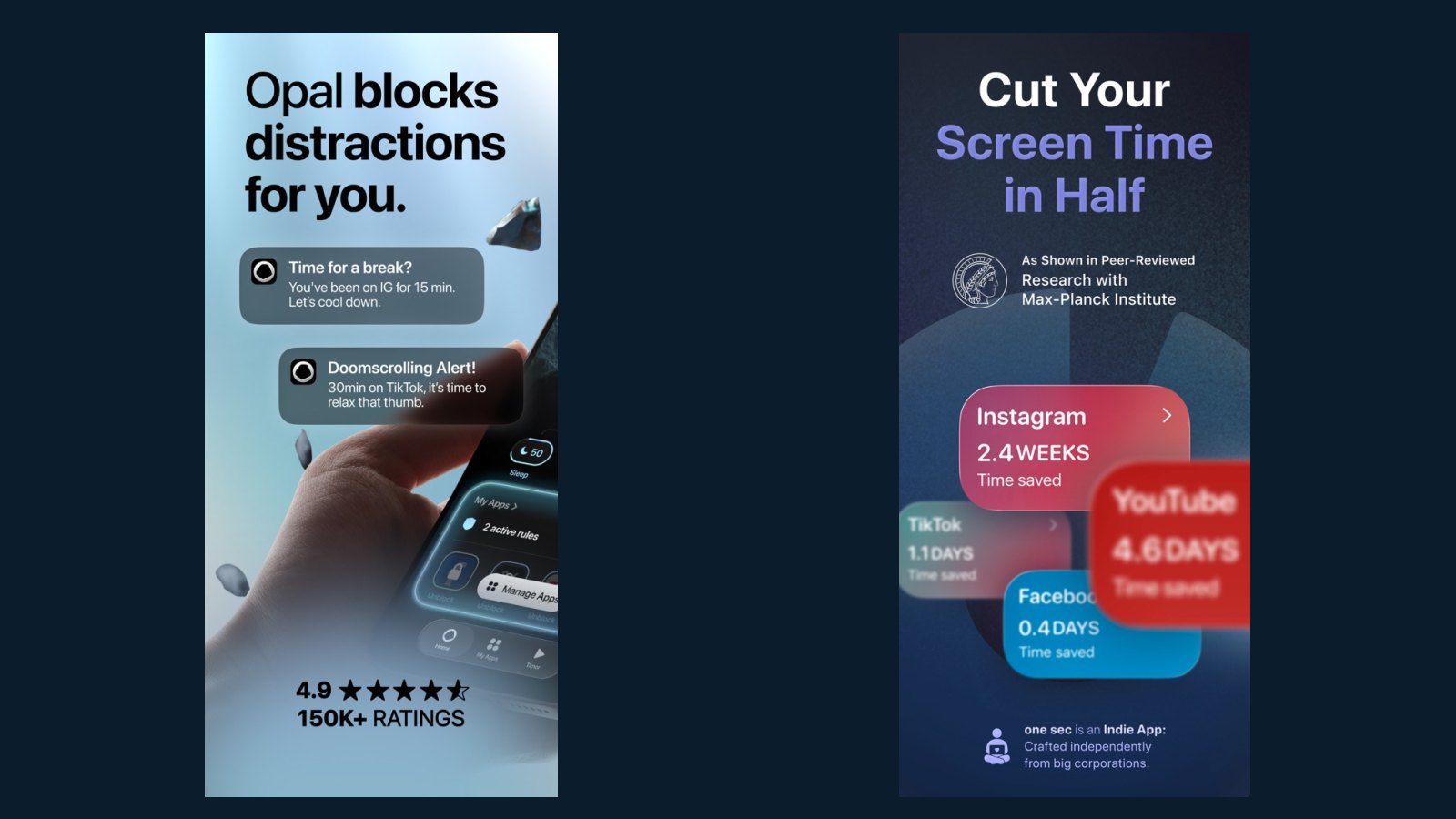
See best screen time apps for the shortlist. If you want a pause instead of a lock, read the one sec review. If you need the same block on a laptop, read the Freedom app review.
Dated features and store facts
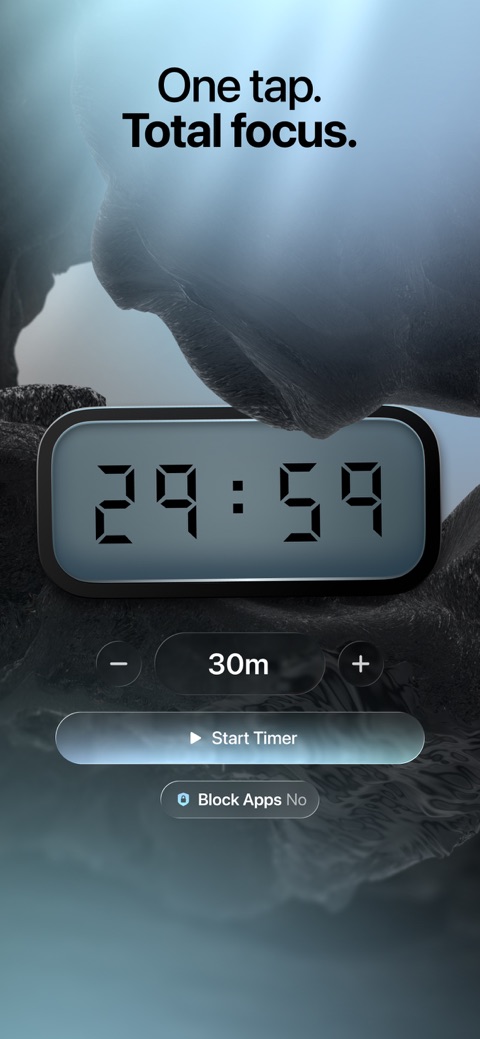
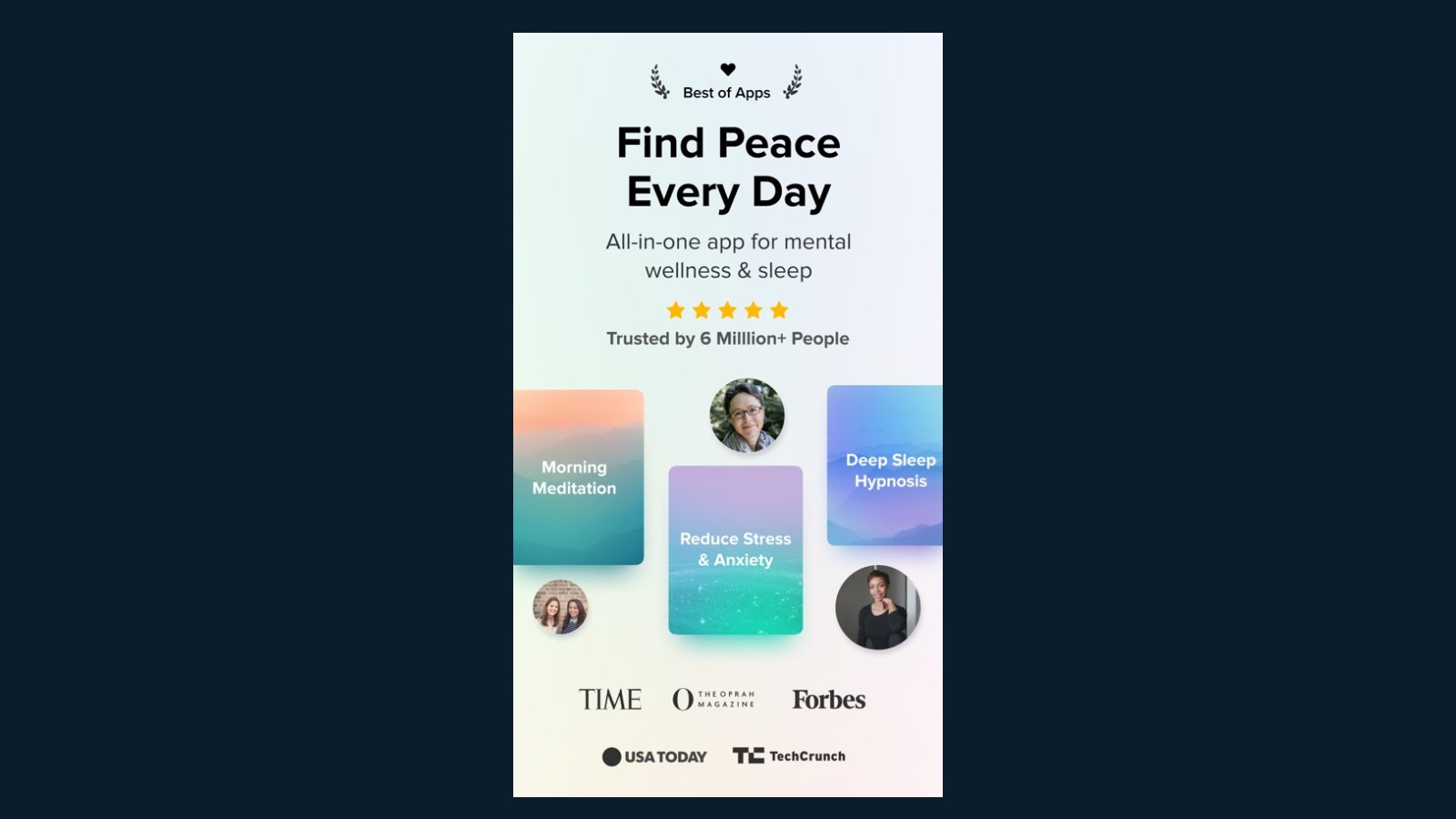
The US listing advertised rules (once called blocks), app and site limits, allow lists and never-allowed lists, a Focus Score, timers, soundscapes, leaderboards, Focus Mode hooks, and Deep Focus. It said Opal uses Apple’s Screen Time API and that personal browsing data never leaves the device.
Version 4.0 in May 2026 renamed blocks to rules and breaks to unblocks. Later notes through 4.14 talked about background blocking, Family Sharing screen-time bugs, and Autofocus overlays. Those notes are the vendor’s. We did not re-test them.
Play (updated 7 September 2026) listed focus sessions, schedules, limits, a Pomodoro timer, weekly reports, streaks, and a parental-control line. What’s-new copy said website blocking now works in Firefox and that blocking an app also blocks its site. Age rating on Play was Everyone.
| Field | Public listing |
|---|---|
| Current version / update | US App Store 4.14, about 6 days before 13 September 2026. Play updated 7 September 2026 |
| Platforms | iPhone, iOS 18+. Android on Play. Mac on the manufacturer site. US Apple page said “Only for iPhone” |
| UK price | IAP: Yearly £99.99, Monthly £19.99, Weekly £4.99, Student Weekly £9.99, Pro £49.99, extra Yearly £89.99 |
| US price | Site: $99.99/year, $19.99/month, $399 lifetime. US IAP also listed Weekly $4.99, Weekly $9.99, Pro $49.99 |
| Free / trial / subscription | Free download. Site free tier: one Rule. Site: 7-day year trial, 3-day month trial. Confirm in checkout |
| App Store rating | US: 4.7 from 88,000, 9+, Editors’ Choice. UK: 4.6 from 14,000, 9+ |
| Google Play | 4.5 from about 8,770 reviews (header). Everyone. Install band not shown in our fetch |
| Privacy / Data Safety | Help: detailed use stays on device. Apple: identifiers may track you; usage and IDs linked for analytics/ads. Play: may share location; collects personal info and app activity; “Data isn’t encrypted”; deletion request offered |
| Core features | Rules, limits, Deep Focus, score, timers, allow/never lists |
| Validation / sentiment | No peer-reviewed Opal trial found. Play quotes The New Yorker and The New York Times. Store reviews mix praise for Deep Focus with complaints about overlays and recategorised apps (sampled 2026) |
Pricing: a year, a month, or once
The cheap-looking year is $99.99 or £99.99 only if you stay 12 months. The US month at $19.99 is $239.88 over a year. The UK month at £19.99 is £239.88. The $399 lifetime SKU on the site is a one-time hit. The site warned that a lifetime web buy does not cancel an Apple subscription. Cancel in iOS settings if you switch.
Weekly SKUs at $4.99 or £4.99 look small. Fifty-two weeks at $4.99 is $259.48. That is more than the year. Student weekly at $9.99 or £9.99 is a different SKU. We will not invent which button checkout shows. Family Sharing is listed for some IAP.
What named pages actually said
Play’s listing quoted The New Yorker on “mild friction, encouragement, and guilt,” and The New York Times on attempts that feel “futile.” Those are press lines the vendor reused. We did not re-read the full features for this Opal review. Treat them as quotes, not as our test.
US Apple Editors’ Choice copy (fetched 13 September 2026) called Opal a “screen-time savior” for work hours, dinners, and bedtime. That is Apple marketing. Store reviews we sampled praised Deep Focus and uninstall protection. Others said they raised their own limits when a five-minute warning landed. Play reviews in August 2026 complained about an Autofocus overlay and apps jumping back into a “distracting” bin. The developer pointed to a settings toggle. Those are user reports.
This Opal review will not treat listing claims such as “94% of Opal members are less distracted” or “120 million hours” as of November 2024 as a trial. They have no methods paper in the sources below. If stress eating rides along with the scroll, see stress eating, a practical guide. Movement still sits in the UK and US activity guidelines.
Privacy: on-device use, other IDs
Opal’s help article says blocks run locally and that personal browsing data never leaves the device. The terms page (fetched 13 September 2026) said detailed iOS Screen Time data is not stored on Opal servers. Android uses Accessibility and Usage Stats; detailed use “remains on your device.” Social features are opt-in. Friend matching hashes phone numbers. Friends see a daily total such as “3h 42m,” not per-app names.
The Apple privacy label still listed identifiers that may track you across other companies’ apps, plus usage data and device IDs linked for advertising or analytics. Play said some location data may be shared, that collection includes personal info and app activity, and that data is not encrypted. You can request deletion. Those two labels are not the same promise. We did not audit the binary.
Crash data can remain after you delete the app, per the help page. Opal says it does not sell personal data. Paying for Pro is how the firm says it funds the product.
What remains unverified
We did not run Opal for this Opal review. We did not compare Deep Focus with Screen Time. We did not verify Mac parity with iPhone. We did not verify the student discount form. Play did not show an install band in our fetch, so we omit one.
Background blocking is the vendor’s current promise. Version notes through summer 2026 kept listing it as unfinished work. If a rule fails when the app is closed, that is a support ticket, not a score we invented.
Who should skip Opal
Skip the year if you will keep raising your own limits. Skip it if Play’s “data isn’t encrypted” line is a deal-breaker. Skip it if you wanted a gentle pause: that job sits with one sec. Skip it if a tree would motivate you more than a lock: that job sits with Forest.
This Opal review’s close: pay if a rule you cannot undo will change a week. Do not pay for a wellbeing percentage the listing does not cite as a trial.
Frequently asked questions
Is Opal free?
How much is Opal in the UK and the US?
Does Opal work on Android?
Can Opal treat ADHD or anxiety?
Does Opal upload my screen time?
Sources
- 1. Opal: Screen Time Control
- 2. Opal: Screen Time Control
- 3. Opal Screen Time Limit & Timer
- 4. Opal Pricing
- 5. What does Opal do with my data
- 6. Terms and Privacy
Guidance changes. Figures were checked against the sources above at the time of review; always confirm current advice with your GP, pharmacist or clinician.
Image credits
- Photo: Apple / App Store (App Store listing)
- Photo: Photo by Pexels contributor on Pexels / Openverse
- Photo: Photo by Malen Almonacid Trossi on Pexels / Openverse
- Photo: Photo by Burst on Pexels / Openverse
Was this useful?
Anyone can react — no account needed.

Discussion
0 comments · Name and email only · Email is never shown