Mental Wellbeing Data-backed list
Best Screen-Time and Focus Apps: Reduce Distraction Without Creating More Noise
The best screen time apps do different jobs. Some lock a feed until a session ends. Some pause you for a breath. Some sync a block to a laptop. Some grow a tree if you stay put. This is a source-reviewed guide, not a hands-on lab test. Figures come from public listings, help pages, and named papers captured on 13 September 2026.
This page is for adults who want less mindless tapping, not a diagnosis. An app cannot replace therapy, coaching, or a clinician. If a feed is the only way you cope with a hard week, pair any tool with the rest of your life. A walk still counts. See UK and US physical activity guidelines for the movement bands. If stress sends you to the fridge as well as the phone, read stress eating, a practical guide.
Who this best screen time apps shortlist is for
1 of 5
Download Opal: Screen Time Control on the App Store · Get Opal: Screen Time Control on Google Play
Use this page if iOS Screen Time or Digital Wellbeing is too easy to tap past. Skip a trophy table. The best screen time apps earn a place by job, not by a blended score.
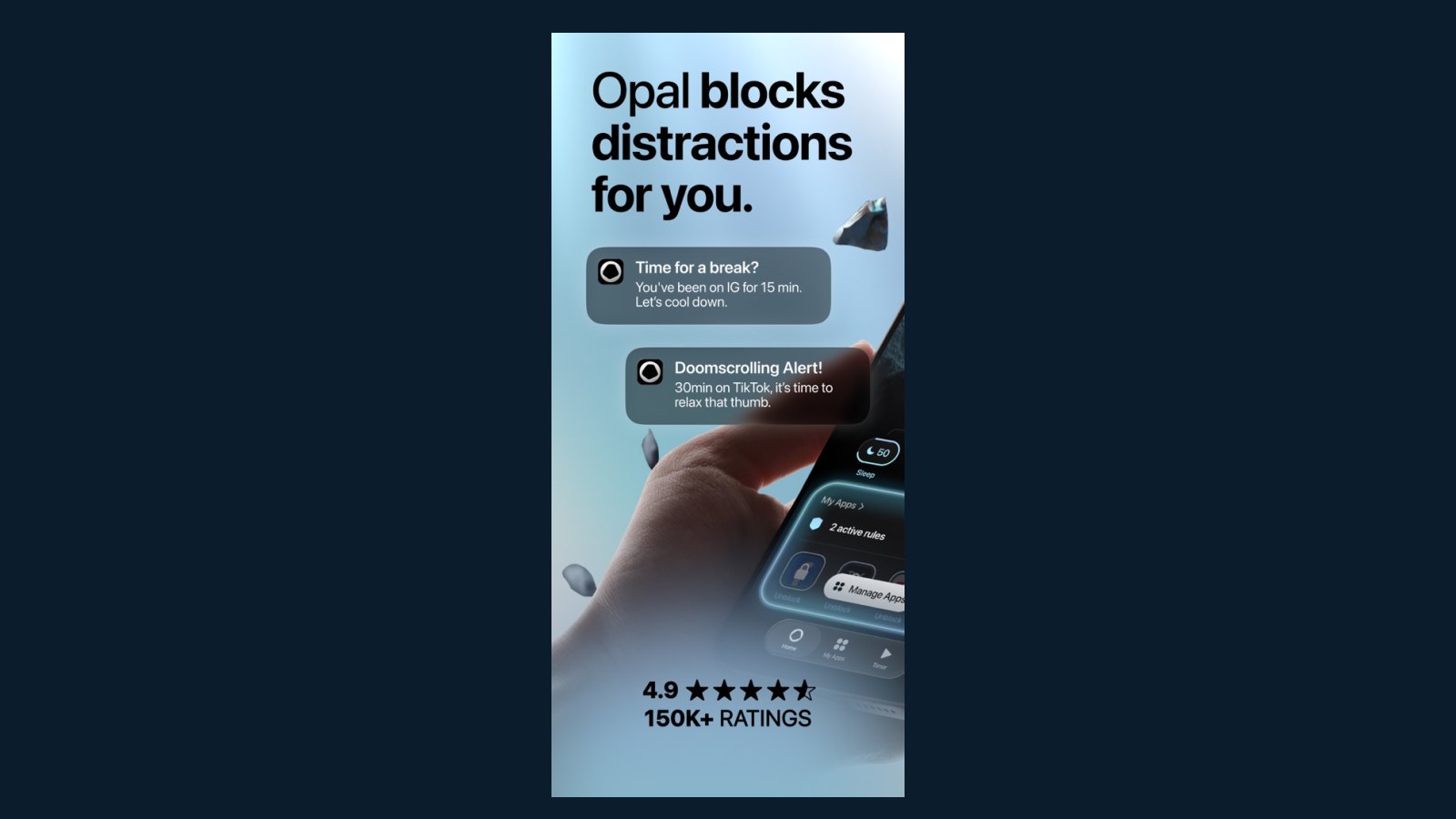
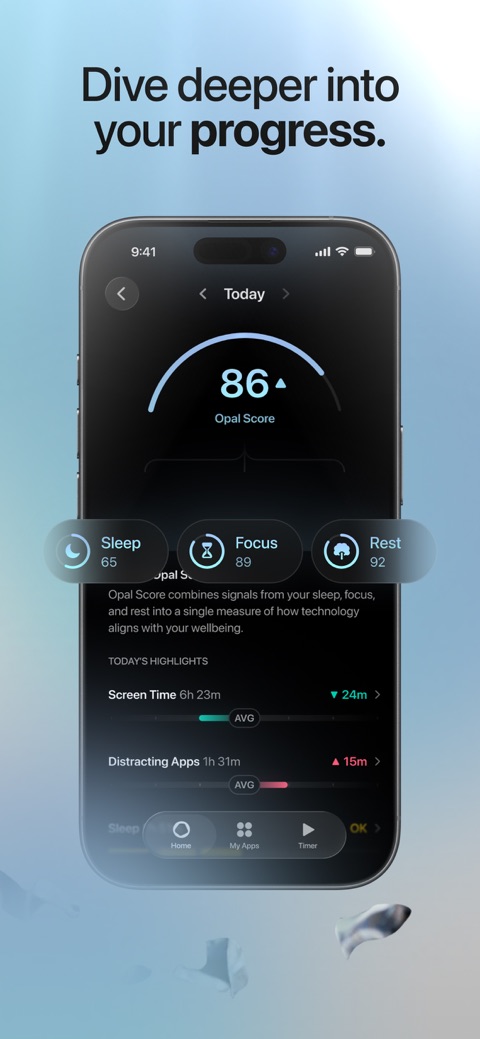
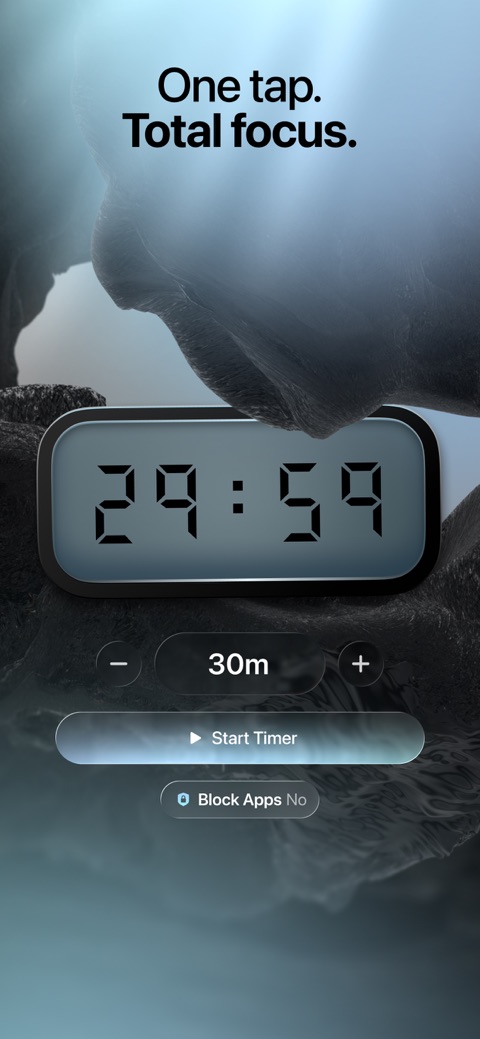
People who want a calendar block and a hard lock often start with Opal. People who still want the app, but not the autopilot tap, often look at one sec. People who need the same block on a phone and a computer often look at Freedom. People who want a timer they can see grow often look at Forest.
Skip this shortlist if you only needed Apple’s built-in limit and it already works. Skip it if you want a clinic tool. None of these apps is a medical device.
How we compared public listings
We read US and UK App Store pages, Google Play pages, manufacturer pricing and help articles, privacy labels, and two named papers on one sec. We did not install the apps. We did not run a lab. Missing prices stay missing.
Manufacturer lines such as “cut screen time in half” or “2.5 extra productive hours” are marketing. We do not treat them as trials. Store ratings move. Treat the table as a 13 September 2026 snapshot.
| App | Best for | Platforms | UK price | US price | Subscription | Privacy caveat | Main limitation |
|---|---|---|---|---|---|---|---|
| Opal | Scheduled rules and Deep Focus | iPhone (iOS 18+ on the US listing); Android; Mac on the manufacturer site | IAP included Yearly £99.99, Monthly £19.99, Weekly £4.99, Pro SKU £49.99, Yearly £89.99 | Site: Pro $99.99/year or $19.99/month or $399 lifetime. US IAP also listed Weekly $4.99 and Pro $49.99 | Free download; site free tier is one Rule. Pro unlocks harder blocking and history | Help: browsing stays on device. Apple label lists identifier tracking. Play (7 Sep 2026): may share location; “Data isn’t encrypted” | US listing is iPhone-only. Deep Focus sits behind pay. 2024 rewrite drew mixed UK reviews |
| one sec | A pause before you open a feed | iPhone, iPad, Mac (macOS 14+); Android; browser extension | IAP: Pro £19.99/year, £2.99/month, £99.99 lifetime. Family year £34.99 | IAP: Pro $19.99/year, $2.99/month, $99.99 lifetime. Family year $29.99. FAQ also lists €14.99/year | Free for one app; Pro for more apps. FAQ: one-week trial | Play: no data collected, no third-party sharing. Policy: offline by default unless you sync or pay | Free tier is one target. Setup uses Shortcuts / Accessibility |
| Freedom | One block on phone and computer | iOS, Android, Mac, Windows, Chromebook per the site | IAP: Yearly £39.99, Monthly £7.99, Forever £199. Extra SKUs £59.99 year and £12.99 month | Site and listing copy: $39.99/year. IAP also $8.99/month and $199 Forever. Extra year $59.99 | Free with limited sessions. Premium: 7-day trial on the US listing | Policy (13 Sep 2023): does not track browsing. Apple label still lists identifier tracking. Play: collects personal info; encrypted in transit | Scheduling and Locked Mode sit on Premium. Some Play reviews (2026) cited sessions that failed to start |
| Forest | A visible timer and a withered tree | iPhone, iPad (iOS 16+); Android; browser extensions on the site | IAP: Annual (Early Bird) £35.00, Monthly £5.99, plus crystal and elixir packs | IAP: Annual $35.99 or $32.49 Early Bird, Monthly $5.99, plus consumables | Free core timer with ads. Plus is optional. Site: Pro one-time unlock no longer sold to new users | Play (10 Sep 2026): may share personal info; collects location and more. Apple label lists contact info for marketing | Hard block is not the main job. Ads on the free tier. 877.2 MB on US Apple |
Opal: scheduled blocks and a hard lock
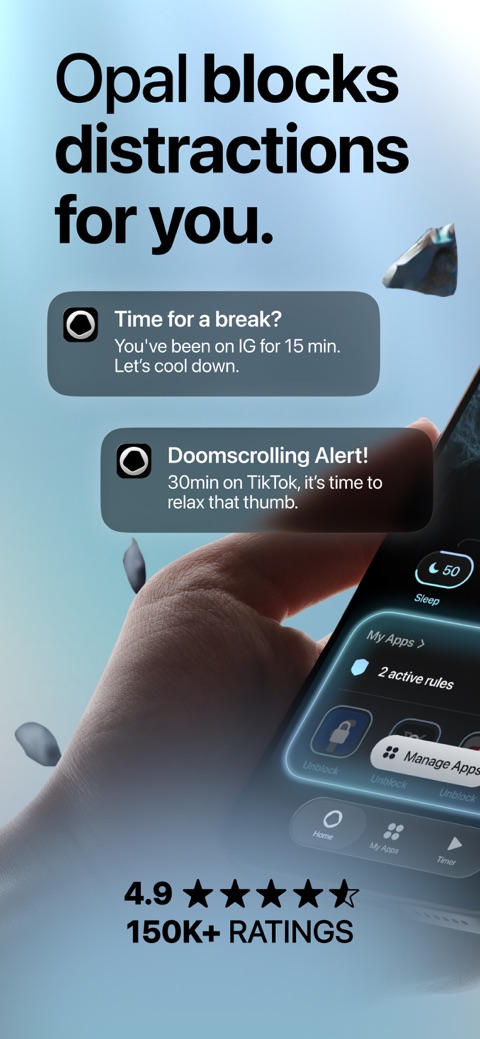
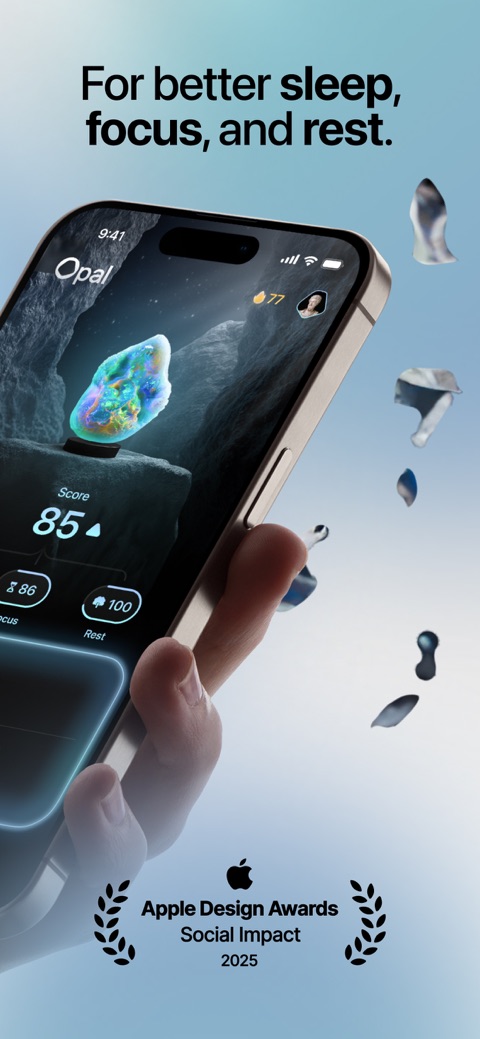
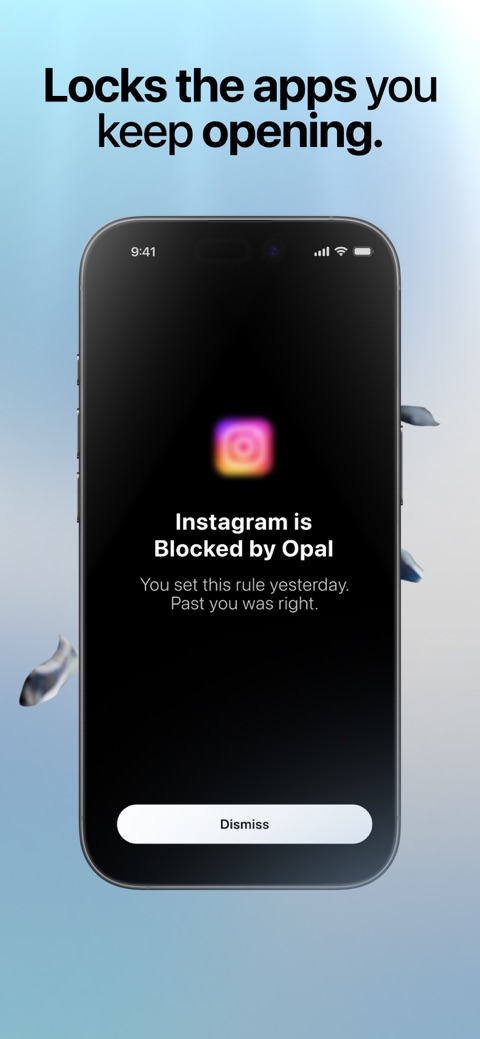
Opal is the calendar-first pick on this best screen time apps list. The US App Store page on 13 September 2026 advertised rules, app limits, allow lists, a Focus Score, Deep Focus that you cannot bypass, and Screen Time API blocking. Version 4.14 landed about six days earlier. Size was 304.4 MB. Age rating was 9+. Needs iOS 18.
US Apple was 4.7 from 88,000 ratings, Editors’ Choice. UK Apple was 4.6 from 14,000. Play (updated 7 September 2026) showed 4.5 from about 8,770 reviews in the header. Do not blend those cells.
Opal’s pricing page listed Pro at $99.99 a year, $19.99 a month, or $399 once. Twelve US months at $19.99 is $239.88. UK IAP headlines included £99.99 a year and £19.99 a month. Twelve UK months at £19.99 is £239.88. Check checkout.
Help copy says detailed app-use data stays on the device. The Apple privacy label still listed identifiers used to track you. Play declared that some location data may be shared and that data is not encrypted. Manufacturer “94% less distracted” lines are not a named trial. Read the full Opal review before you pay.
one sec: a pause before the feed
one sec is the friction pick among the best screen time apps. It delays the open. It does not hide the icon. The US listing on 13 September 2026 described a breath or a small task, a “Re-Intervention” after a set time, a Safari extension, and a free tier for one app. Version 5.3 was dated 30 August 2026. Size was 332 MB. Age rating was 9+. Needs iOS 15. Mac needs macOS 14.
US Apple: 4.8 from 24,000 ratings. UK Apple: 4.8 from 7,100. Play (updated 27 August 2026): 4.7 from about 45,900 reviews in the header. Play Data Safety said no data collected and no third-party sharing.
US IAP headlines: Pro $19.99 a year, $2.99 a month, $99.99 lifetime. Twelve months at $2.99 is $35.88. UK IAP matched the year and month in sterling. The FAQ also listed €14.99 a year and a one-week Pro trial.
Grüning and colleagues (PNAS, 8 February 2023; 280 people, six weeks) reported a 57% drop in target-app openings versus week one. A second test (n = 500) found the dismiss button did more work than the waiting message. Haliburton and colleagues (CHI 2024; 1,039 users, mean 13.4 weeks) saw the same friction still cut open attempts in the wild. That is evidence for a pause, not a cure. See the one sec review for limits.
Freedom: one block across devices
Freedom is the cross-device pick. The US listing advertised app and site blocks, a full-internet block, sync, Locked Mode, and focus sounds. Version 7.15 was dated 4 September 2026. Size was 92.8 MB. Age rating was 4+. Needs iOS 16.1. Seller: Eighty Percent Solutions Corporation.
US Apple: 4.4 from 5,800 ratings. UK Apple: 4.3 from 1,100. Play (updated 4 September 2026): 4.5 from about 8,100 reviews. The US listing and Play copy both stated Premium at $39.99 a year after a seven-day trial. US IAP also listed $8.99 a month and $199 Forever. Twelve months at $8.99 is $107.88. UK IAP headlines included £39.99 a year, £7.99 a month, and £199 Forever. Twelve UK months at £7.99 is £95.88. Extra year and month SKUs sat higher. Checkout decides.
The privacy policy (last modified 13 September 2023) said Freedom does not track, store, or transmit app or website use, except an optional Insight plugin that stays local. Android blocklists of chosen apps go to Freedom’s server. The Apple label still listed identifiers used to track you, plus linked contact info. Play said no third-party sharing, with encryption in transit. Again: two taxonomies. Lifehacker, Time, and Huffington Post blurbs on the listing are old press, not a 2026 trial. Read the Freedom app review if you need a laptop in the same session.
Forest: a timer with a tree
Forest is the game on this best screen time apps page. Stay in the session and a tree grows. Leave early and it withers. The US listing on 13 September 2026 advertised a focus timer, allow lists on iOS 16+, Time Guard schedules, and Plant Together rooms. Version 5.26.0 landed about a day earlier. Size was 877.2 MB. Age rating was 4+.
US Apple: 4.8 from 49,000 ratings. UK Apple: 4.8 from 20,000. Play (updated 10 September 2026): 4.3 from about 813,000 reviews in the header. Play also said the app contains ads. The manufacturer site claimed 60 million downloads. That is a vendor line, not a store install band.
US IAP headlines included Forest Plus at $5.99 a month and $35.99 or $32.49 a year. Twelve months at $5.99 is $71.88. UK IAP showed £5.99 a month and £35.00 a year. We found no peer-reviewed Forest trial. A New York Times line on the listing liked the “be more in the moment” job. That is a quote, not a study. See the Forest app review if you want a timer more than a lock.
Pricing, privacy, and when to skip an app
Among the best screen time apps, the cheap-looking month is often the expensive year. Opal’s $19.99 month is $239.88. Freedom’s $8.99 month is $107.88. Forest’s $5.99 month is $71.88. one sec’s $2.99 month is $35.88, still more than its $19.99 year. Pay the year only if you will still be there in month 12.
Skip Opal if you will not grant Screen Time or Accessibility access, or if you refuse a Pro fee for Deep Focus. Skip one sec if you need a hard lock on every device at 9 a.m. Skip Freedom if you only own one phone and do not want a subscription. Skip Forest if a withered tree will annoy you more than it helps, or if you wanted a clinic block.
Two apps can stack. Add both yearly fees first. A pause plus a walk is still a pause plus a walk. The best screen time apps do not treat anxiety, ADHD, or depression. They add friction. You still choose the next hour.
Frequently asked questions
What are the best screen time apps if I only have a phone?
Which of the best screen time apps has the strongest evidence?
Is a free screen time app enough?
Should I pay monthly or yearly?
Can one of the best screen time apps replace therapy?
Do I need one of the best screen time apps to use my phone less?
Sources
- 1. Opal: Screen Time Control
- 2. Opal Screen Time Limit & Timer
- 3. Directing smartphone use through the self-nudge app one sec
- 4. A Longitudinal In-the-Wild Investigation of Design Frictions to Prevent Smartphone Overuse
- 5. Opal Pricing
- 6. Privacy Policy
Guidance changes. Figures were checked against the sources above at the time of review; always confirm current advice with your GP, pharmacist or clinician.
Image credits
- Photo: Apple / App Store (App Store listing)
- Photo: Photo by Malen Almonacid Trossi on Pexels / Openverse
- Photo: Photo by Pexels contributor on Pexels / Openverse
- Photo: Photo by ThisIsEngineering on Pexels / Openverse
Was this useful?
Anyone can react — no account needed.



Discussion
0 comments · Name and email only · Email is never shown